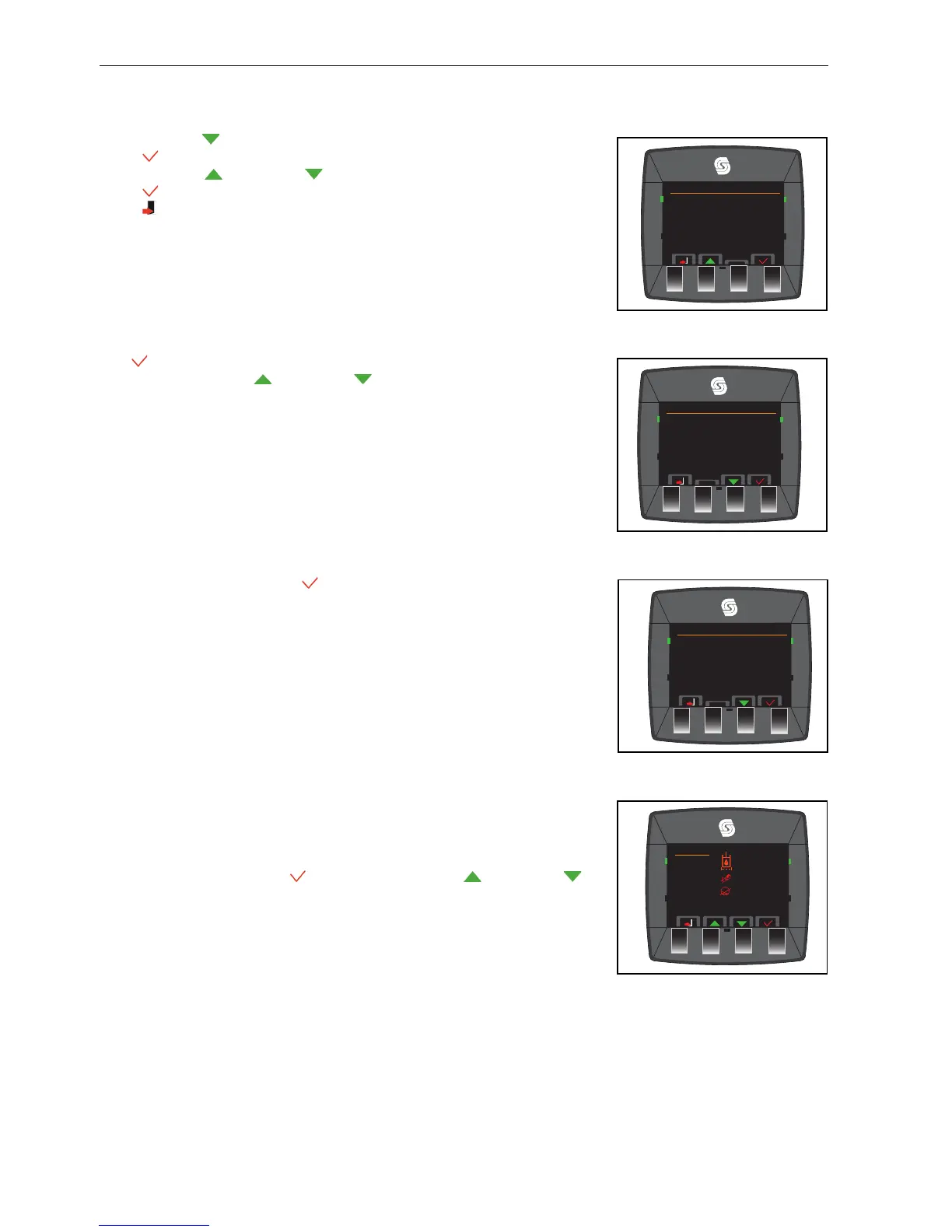
5.2.Z.16 DATE FORMAT _________________________________________________
Press the Down button to select the date format (underlined).
Press to change the option.
Press the button up and down to move between US and EU.
Press accepts the option.
Press the button to return to main menu.
5.2.Z.17 SERVICE MENU_________________________________________________
The button accepts the option that has the
.
The
is moved with the up and down to select, fault log, time until service,
diagnostics, I/O diagnostics and ECU (engine Control Unit) monitor.
5.2.Z.18 FAULT LOG ____________________________________________________
Select the fault log
and accept
5.2.Z.19 FAULT LOG ____________________________________________________
The last 50 “Faults” that the controller finds are recorded. When 50 faults are recorded,
the fault that next occurs will write over the oldest fault.
This information is got with the service tool or can be seen on the errors page of the
service menu. Press the button to select, press the button up and down to
move the
. The errors will move with the last error at the top of the screen.
The fault / data log function has three actions. Each fault / data log function can contain
a maximum of 50 faults. the areas included are:
The Inclinometer, records slopes of more than 22°.
The Engine, records the engine shut downs because of overheat or loss of oil pressure.
The Service, records hydraulic by-pass fault and missed service.
Fault Log
0 0 Hours
1 0 Hours
2 0 Hours
TST
™
Service Menu
Fault Log
Time Until Service
Diagnostics
I/O Diagnostics
ECU Monitor


 To Next Page