en-37
5 CONTROLS
5 3. TRACTION PEDAL __________________________________________________
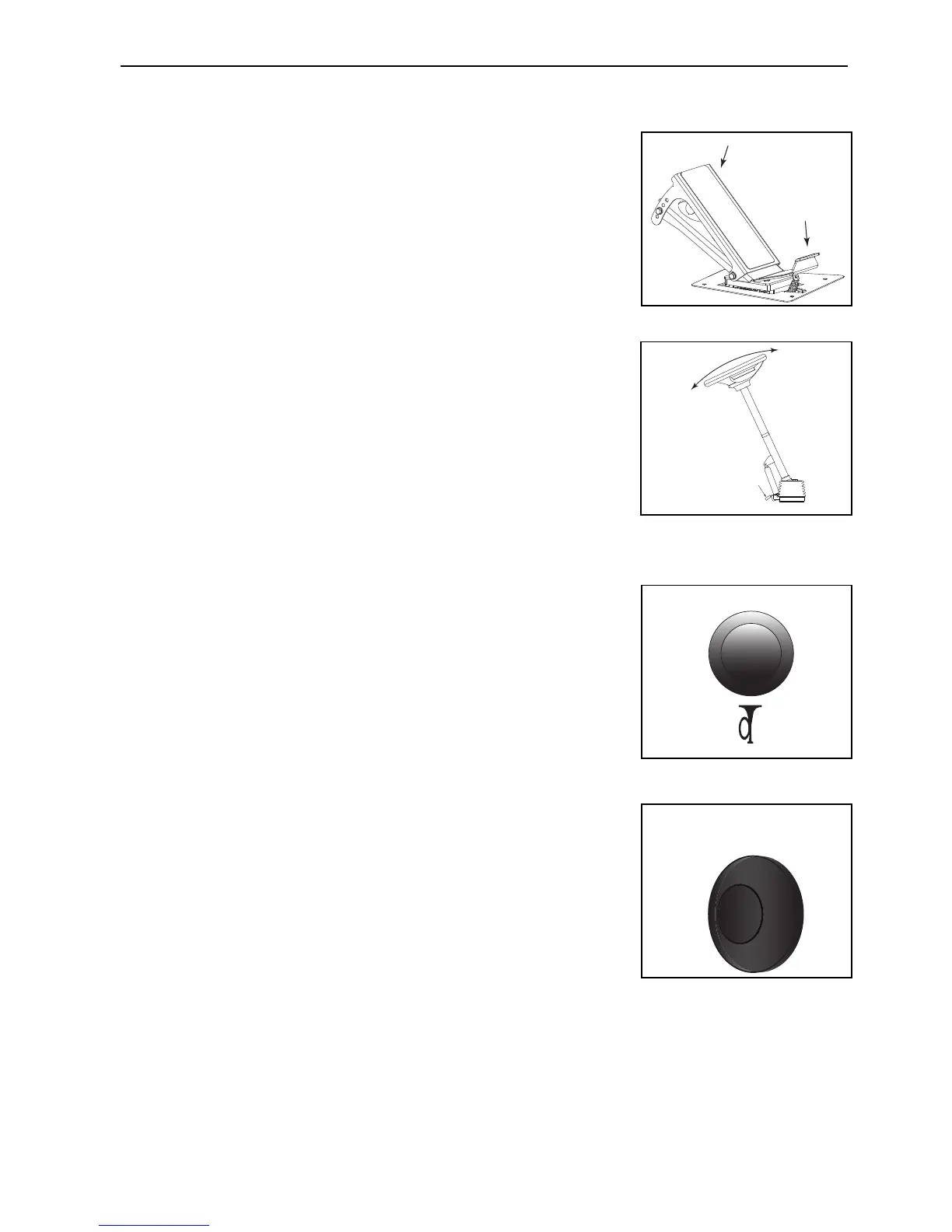
The traction pedal is found on the right side of the footplate.
• Carefully press the top (A) of the foot pedal to reach the forward
speed that you need.
• To stop - Carefully return the foot pedal to the Neutral position.
• To move, in the reverse direction press the bottom (B) of the foot
pedal
5 4. STEERING TILT CONTROL ___________________________________________
With the operators seat is in the correct position to operate the traction pedal easily.
While you hold the steering wheel, press the Small foot pedal (A) at the base of the
steering column.
Tilt the column backward or forward to the correct position. Release the small foot
pedal to lock the steering column in position.
5 5. HORN_____________________________________________________________
The horn button is on the control panel. If the lighting kit is fitted, the horn is
found on the end of the indicator stalk (5.6a on Operator Workstation).
5 6. POWER OUTLET ___________________________________________________
The Auxiliary Power Outlet is on the control panel next to the ignition switch. It is for
use with mobile phone chargers and accessories.
Automotive 12 Volt, 10-Amp Power Outlet
A
B
A


 To Next Page