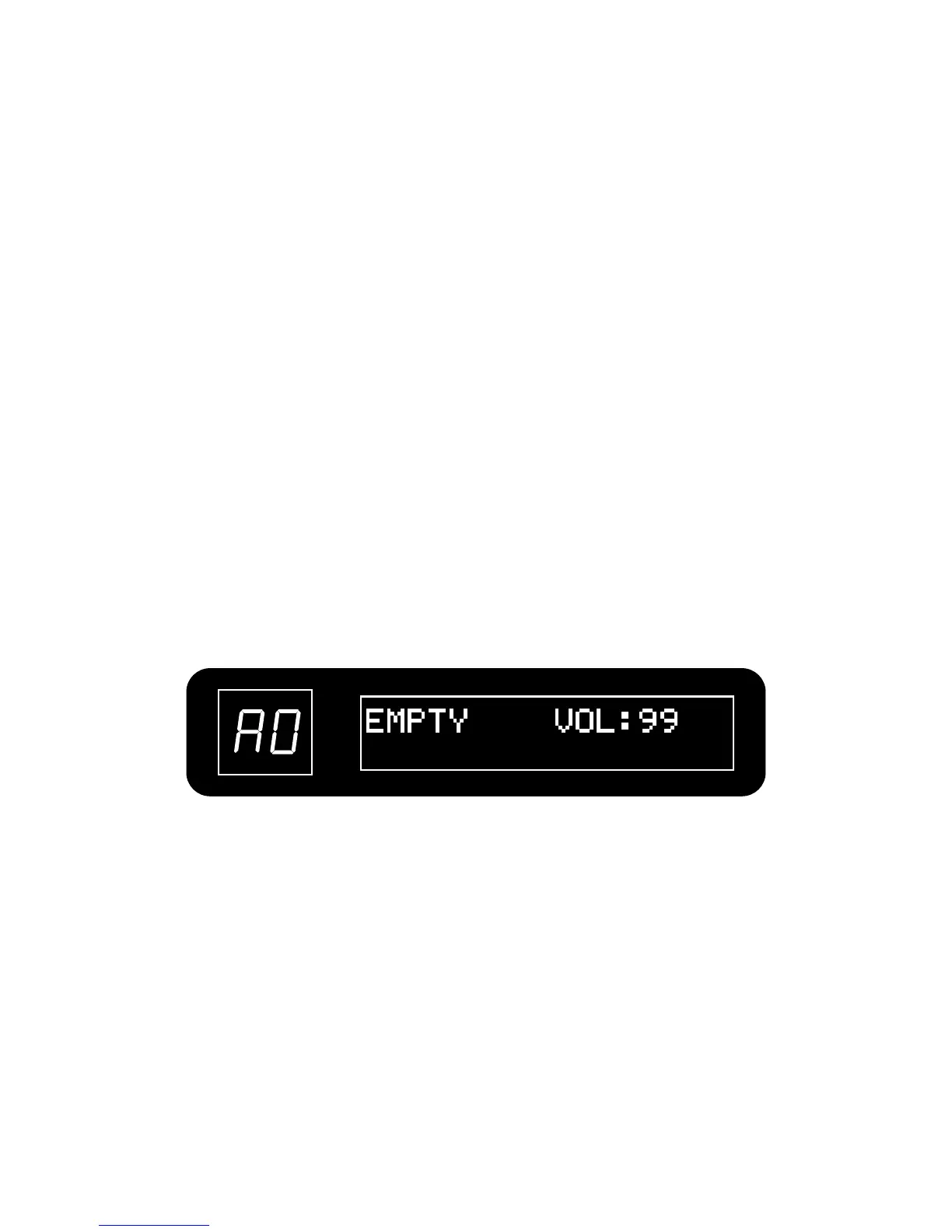
Turn VALUE knob to adjust the loop volume in looper mode.
Note:
•When in looper mode, the effects can still be edited, but you cannot change the patch.
•When in looper mode, push VALUE button to start/stop drum playback.
Press and hold the [▲] footswitch to erase the recorded phrase.
After erasing operation is done, LCD displays “EMPTY”.
PRESS both [▼]/[▲] footswitches.
4. Adjust the loop volume
5. Erase the phrase
6. Return to play mode
21


 To Next Page