Caution:
Executing factory reset will erase ALL the patches saved in the user banks.
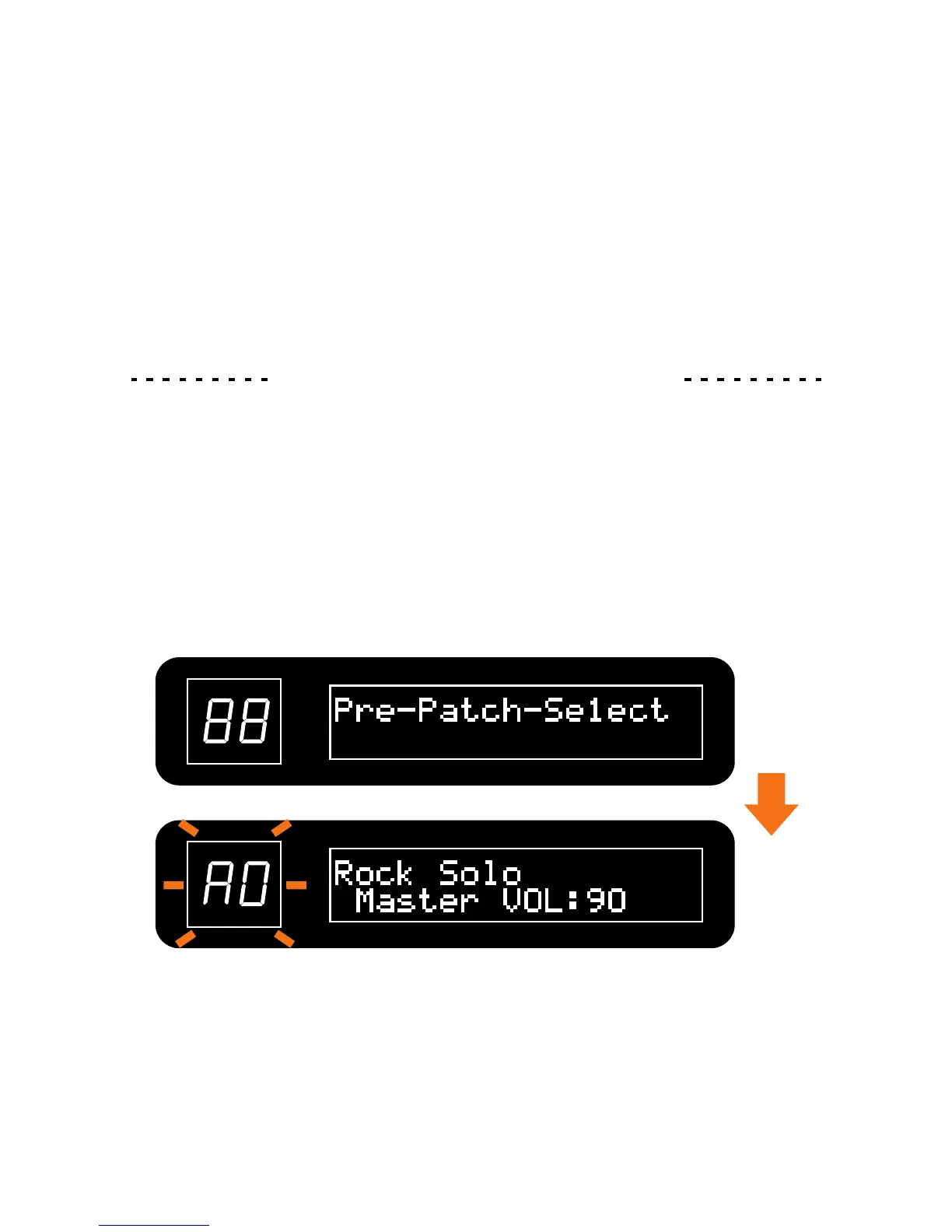
“Pre-Patch-Select” appears on the screen about 3 seconds, then enters the normal status
and the unit starts in pre-patch-select mode.
To cancel this operation, press [▼] or [▲] footswitch.
1. Turn the power ON while pressing the [▲] footswitch.
Pre-Patch-Select Function
32
The pre-patch-select mode allows you to select a patch in advance, and only switch to that
patch after you confirm the selection. This function is convenient during a live performance
when you want to prepare switching to a patch that is saved in a distant position. In this mode,
the LED will keep flashing.


 To Next Page