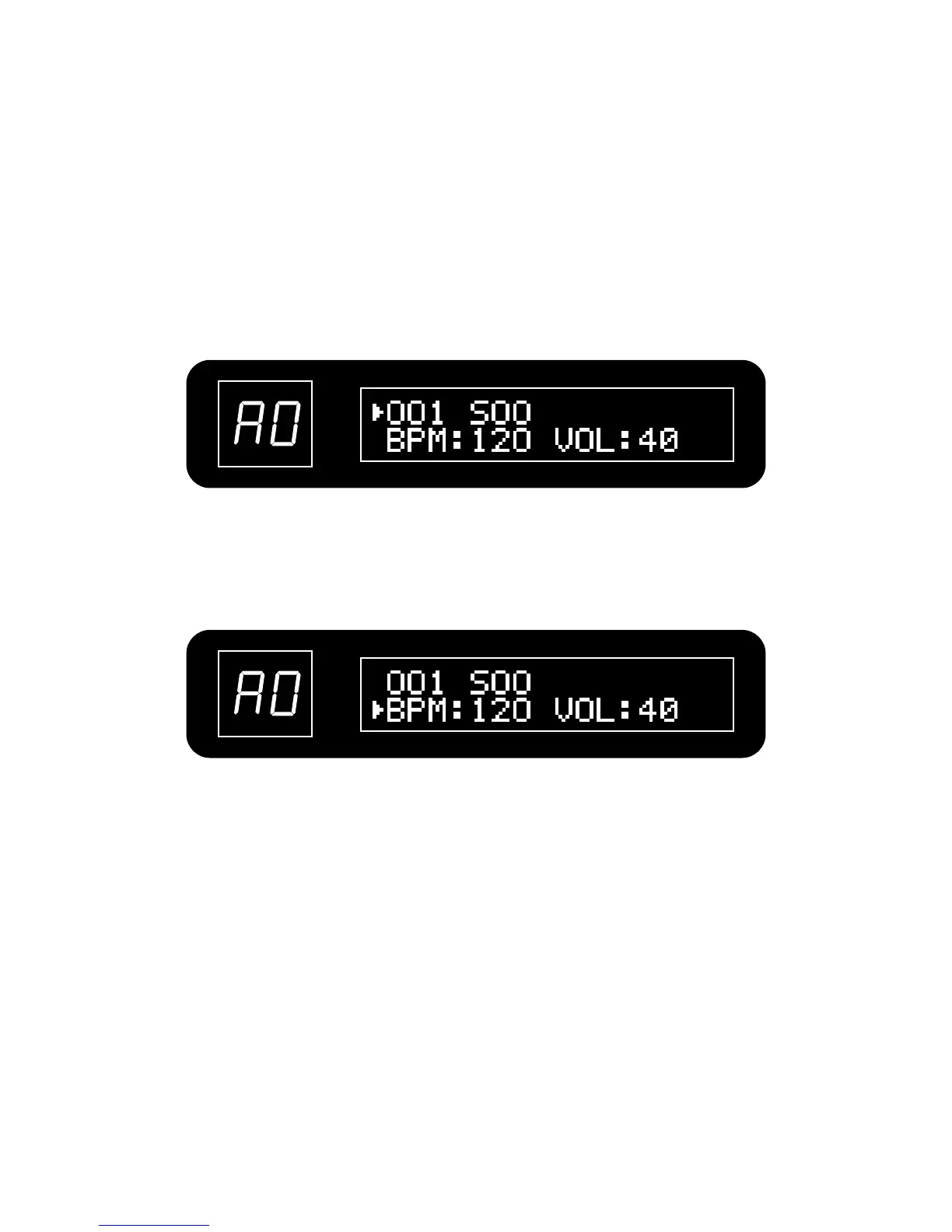
Press VALUE button to move the target parameter to BPM, then turn VALUE knob to set the
BPM. Tempo can be set in a range from 040–250 BPM (beats per minute).
Press VALUE button to move the target parameter to VOL, then turn VALUE knob to set the
volume. Drum volume can be set in a range from 00 99.
4. Adjust the tempo (BPM, Beats Per Minute)
5. Adjust the drum volume
23
~


 To Next Page