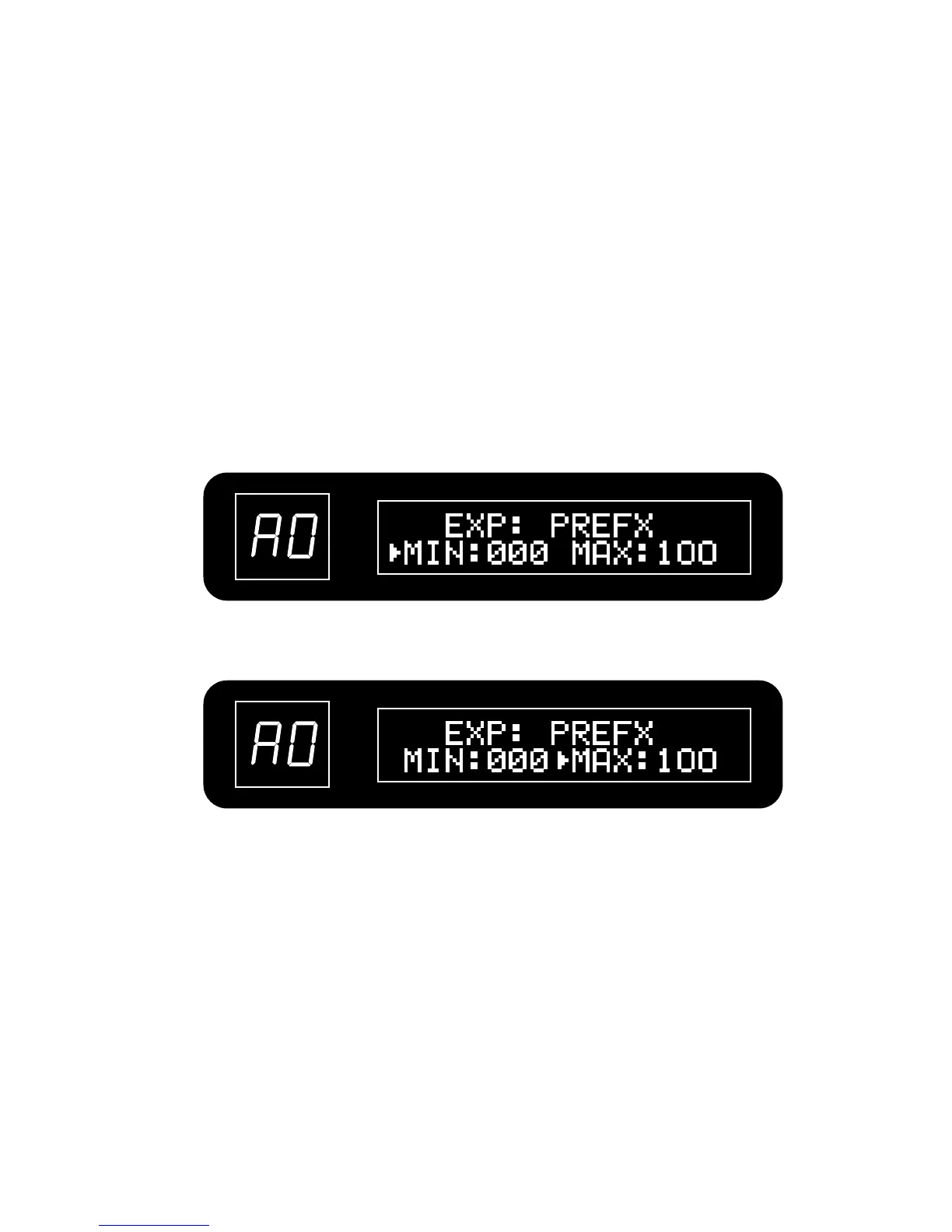
Press VALUE button to move the current editing object to MIN, use VALUE knob to set the
minimum value.
Press VALUE button again to move the current editing object to MAX and turn VALUE
knob to set the maximum value.
The minimum value can be set higher than the maximum value. Set this way, the effect is
smallest when the pedal is fully pressed and largest when it is fully up.
3. Adjust the pedal range
35


 To Next Page