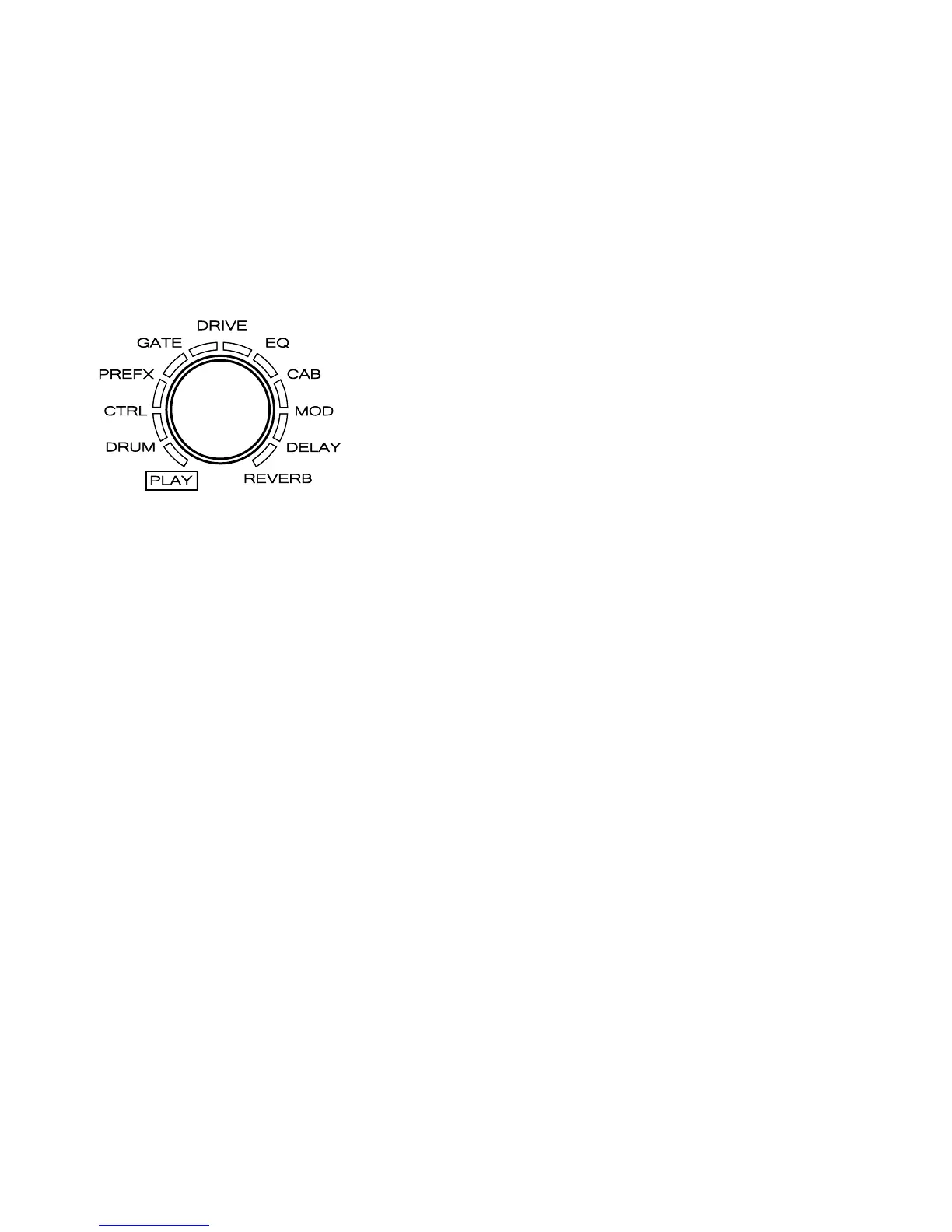
01. PREFX
02. GATE
03. DRIVE
04. EQ
05. CAB
06. MOD
07. DELAY
08. REVERB
This activates edit mode, the available
setting options are listed below:
Turn VALUE knob to change the effect type.
The screen display will change according to the effect type.
E.g.: DynComp -> ProComp
For more module details,please check Effect Types and Parameters section(→P44).
3. Change the effect type
25


 To Next Page