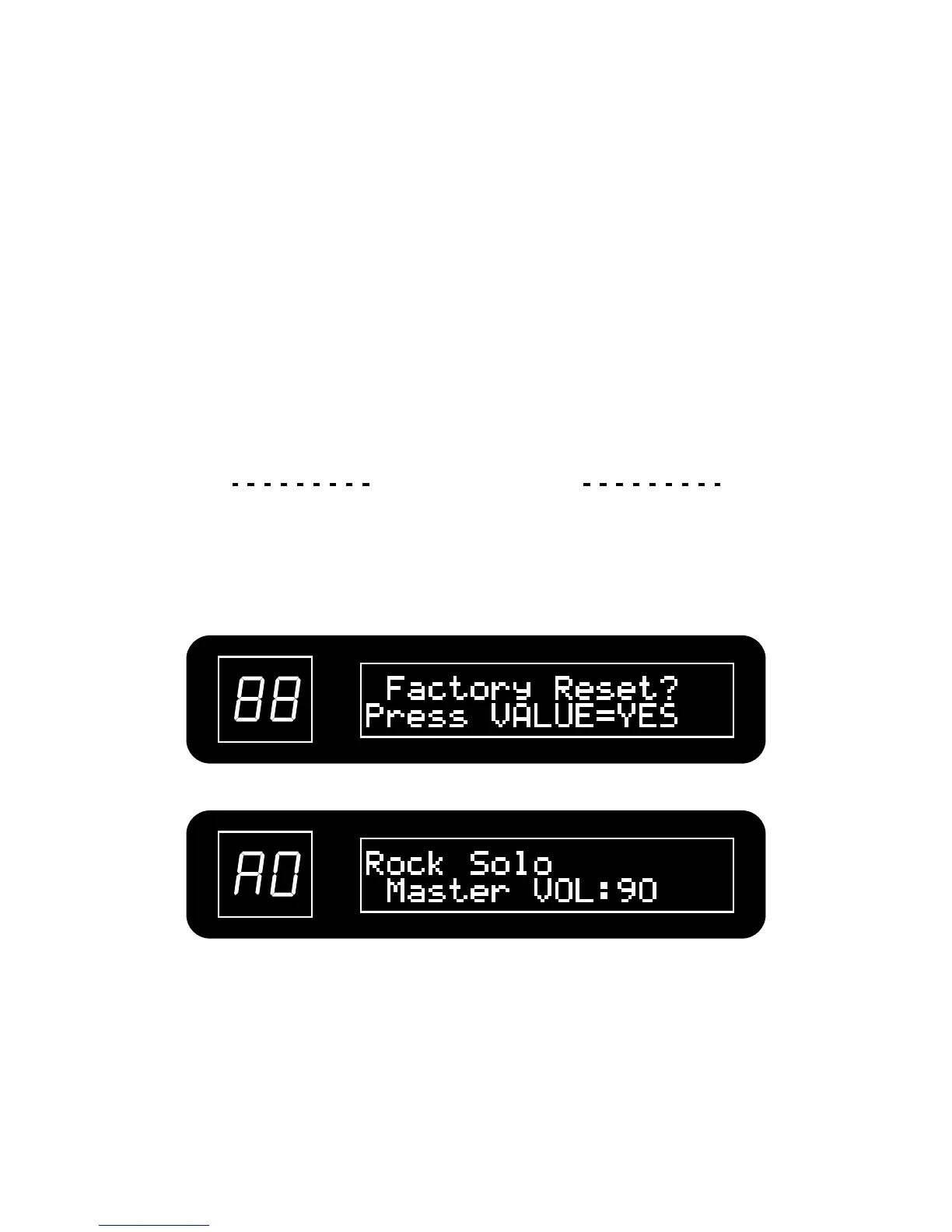
To use the Factory Reset function, turn the module selector to PLAY and turn the power on
while pressing and holding the VALUE button. The following message appears on the display:
Press VALUE button to restore all patches to their factory settings and return to play mode.
4. Store the patch
You can restore all the patches in the A–J banks to their factory settings.
Factory Reset
31
Hold the VALUE button again to store the patch. The patch number flashes faster and
then stops flashing.
Note:
To cancel this operation, turn the Module selector instead of pressing the VALUE key.


 To Next Page