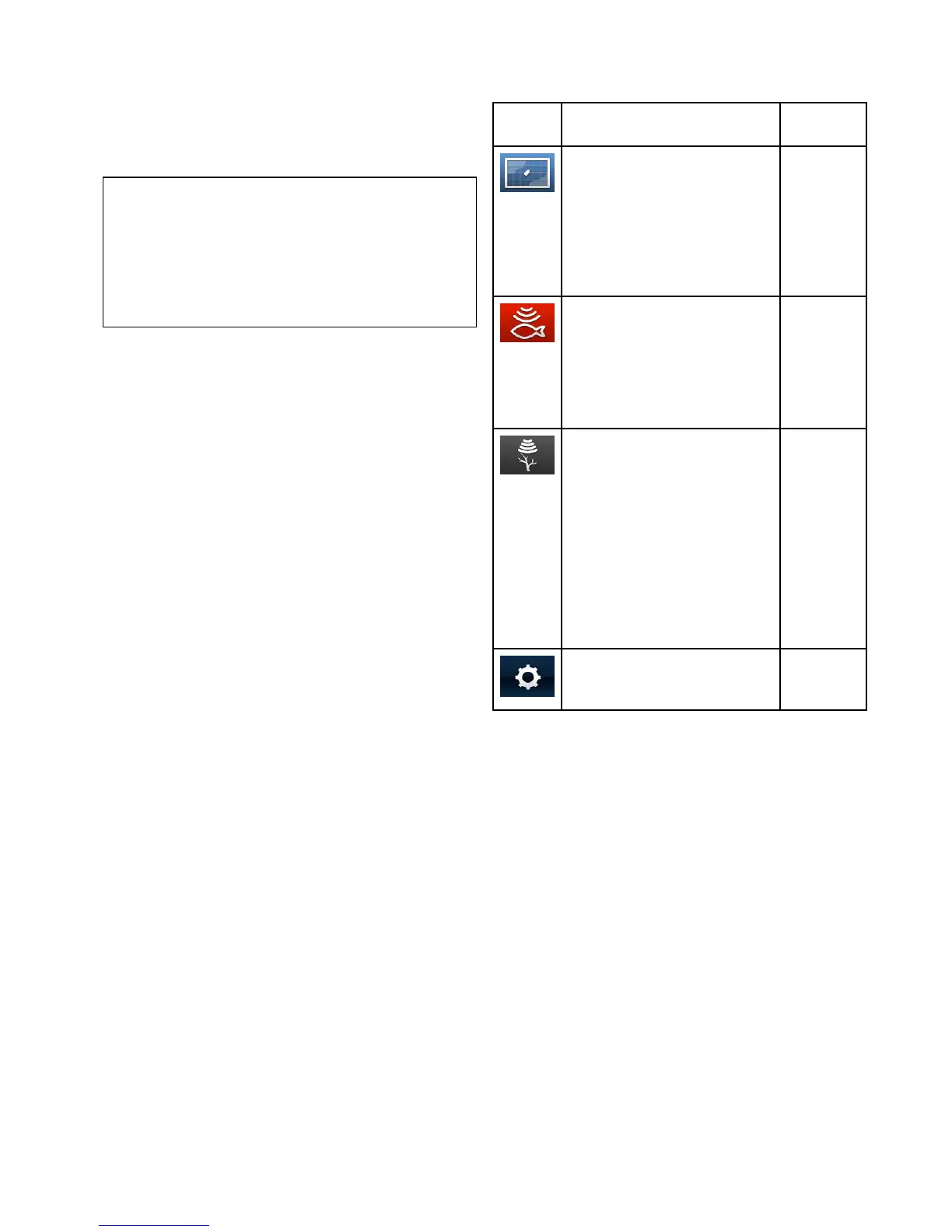
DisablingandenablingtheSonar
Thetransducerpingcanbedisabledandenabled
fromtheshortcutspage.
1.SelectDisableSonartostopthetransducer
pinging.
2.SelectEnableSonartostartthetransducer
pinging.
Note:
•Whenenabled,thesonarelementwillpingifthe
viewdisplayedcontainstheSonarapplication
ortheChartapplication
•Whenenabled,theDownVision
™
elementwill
pingonlyiftheviewdisplayedincludesthe
DownVision
™
application.
Screenshots
Youcantakeascreenshotofwhatiscurrently
displayedonthescreen.
Screenshotsaresavedin.png(PortableNetwork
Graphic)formattoaMicroSDCard.Thesaved
imagescanbeviewedfromanydevicecapableof
viewing.pngimages.
Takingascreenshot
Youcantakeascreenshotbyfollowingthesteps
below.
1.InsertaMicroSDcardwithsuitablefreespace
intothecardreader.
2.PressthePowerbutton.
TheShortcutspageisdisplayed:
3.SelecttheCameraicon.
Aconrmationmessageisdisplayed.
4.SelectOK.
ThescreenshotisnowsavedtotheMicroSD
card.
TipIfyourdisplayhasaBackbuttonyoucanalso
takeascreenshotbypressingandholdingtheBack
buttonuntiltheconrmationmessageappears.
7.8Applications
Theapplicationsavailableonyourdisplayare
dependentuponproductvariant.
Description
Applicable
Products
Chartapplication—providesa
2Dgraphicalviewofyourcharts
tohelpyounavigate.Waypoint
andtrackfunctionsenableyouto
navigatetoaspeciclocationor
recordwhereyou'vebeen.Chart
cardsprovidehigherlevelsof
detail.
•Pro
•M
Sonarapplication—this
applicationusesCHIRPprocessing
tohelpyoutargetshbeneathyour
vessel.Youcanalsoviewwater
depth,watertemperatureandmark
pointsofinterestsuchasshing
spotsorwrecks.
•DVS
•Pro
DownVisionapplication—
thisapplicationgivesincreased
coverageeithersideofthevesselin
highdenition.CHIRPprocessing
andhigheroperatingfrequency
allowsgreaterdepthresolution,
makingiteasiertoidentifybottom
structuresaroundwhichshmay
reside.Youcanalsoviewwater
depth,watertemperatureandmark
pointsofinterestsuchasshing
spotsorwrecks.
•DV
•DVS
•Pro
Tools&Settings—provides
accesstoalarms,systemsettings,
backupandresetfeatures.
•DVS
•Pro
Gettingstarted
55




 To Next Page