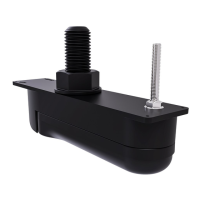
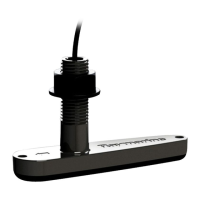
3.2Pre-installationtest
T
estingthetransducer
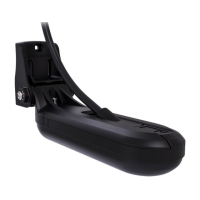
Transduceroperationshouldbecheckedbeforeinstallation.
1.ConnectthetransducertothetransducerconnectionofaHyperVision™compatibledisplay
(e.g.ElementHV9display).
2.Fullysubmergethetransducerinwater.
3.PowerupyourHyperVision™display.
Thefirsttimethedisplayispoweredup,orafterafactoryresethasbeenperformed,thestartup
wizardisdisplayed.Transducerselectionispartoftheboatdetailsoptionsinthestartupwizard.
4.OpenaFishfinder(Sonar)apponyourdisplay .
5.Ifrequired,selecttherelevanttransducerfromtheTransducersettingstab( Menu>Transducer
>Transducer).
6.Checkthataccuratedepthandtemperaturereadingsaredisplayed.
7.IfyouexperiencedifficultiesobtainingreadingsthencontactRaymarineT echnicalSupport.
Warning:Transduceroperation
Onlytestandoperatethetransducerinthewater.DoNOToperateoutofwater
asoverheatingmayoccur.
Caution:Transducercable
•DoNOTusethetransducercabletoliftorsuspendthetransducer;always
supportthetransducerbodydirectlyduringinstallation.
•DoNOTcut,shorten,orsplicethetransducercable.
•DoNOTremovetheconnector.
Ifthecableiscut,itcannotberepaired.Cuttingthecablewillalsovoidthe
warranty.
18


 To Next Page
 Loading...