Insert charater> Code128>Data group 2 > Before barcode> 066 B> Saving
settings
After that,
when the scanner read a Code39 barcode, it will add “ A ” before the
barcode. When it read a Code128 barcode, it will add “ B ” before the
barcode.
when it read other type barcode ,like UPC, it will not add any character.
Example 2:
If you want to put "A" before barcode, put "B" after barcode.
The setting steps is :
Insert charater > All barcode type > Data group 1 > Before barcode > 065
A > Saving settings
Insert charater> All barcode type > Data group 2 > After barcode > 066 B>
Saving settings
After that,
when the scanner read barcode 123456789, the barcode received by the
computer will be A123456789B.
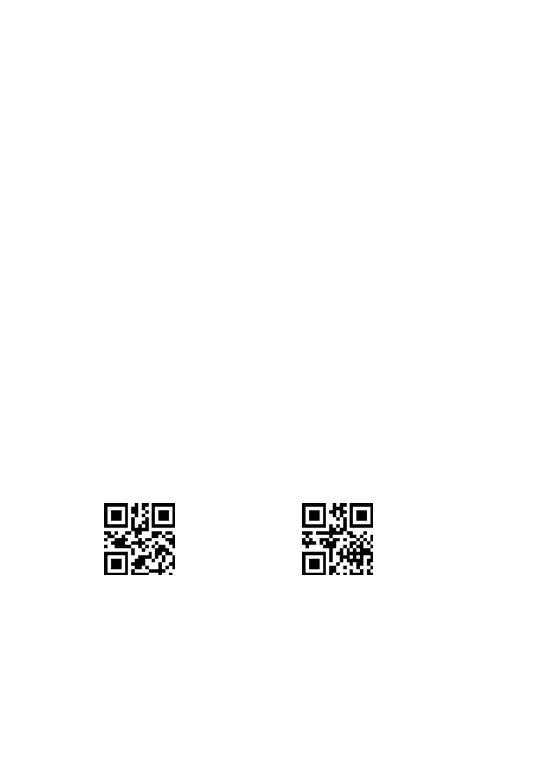
Fourth steps : Scan one of the following setup code to choose the
position
Fifth steps :Choose the character you want to add or the digit you want
to delete.
Character table please see page 48.



 To Next Page