EasyManua.ls Logo

Realistic PRO-43 - SCANNER MANAGEMENT; Resetting the Scanner; Setting Volume and Squelch

Realistic PRO-43
36 pages
Print Icon
To Next Page IconTo Next Page
To Previous Page IconTo Previous Page
Loading...
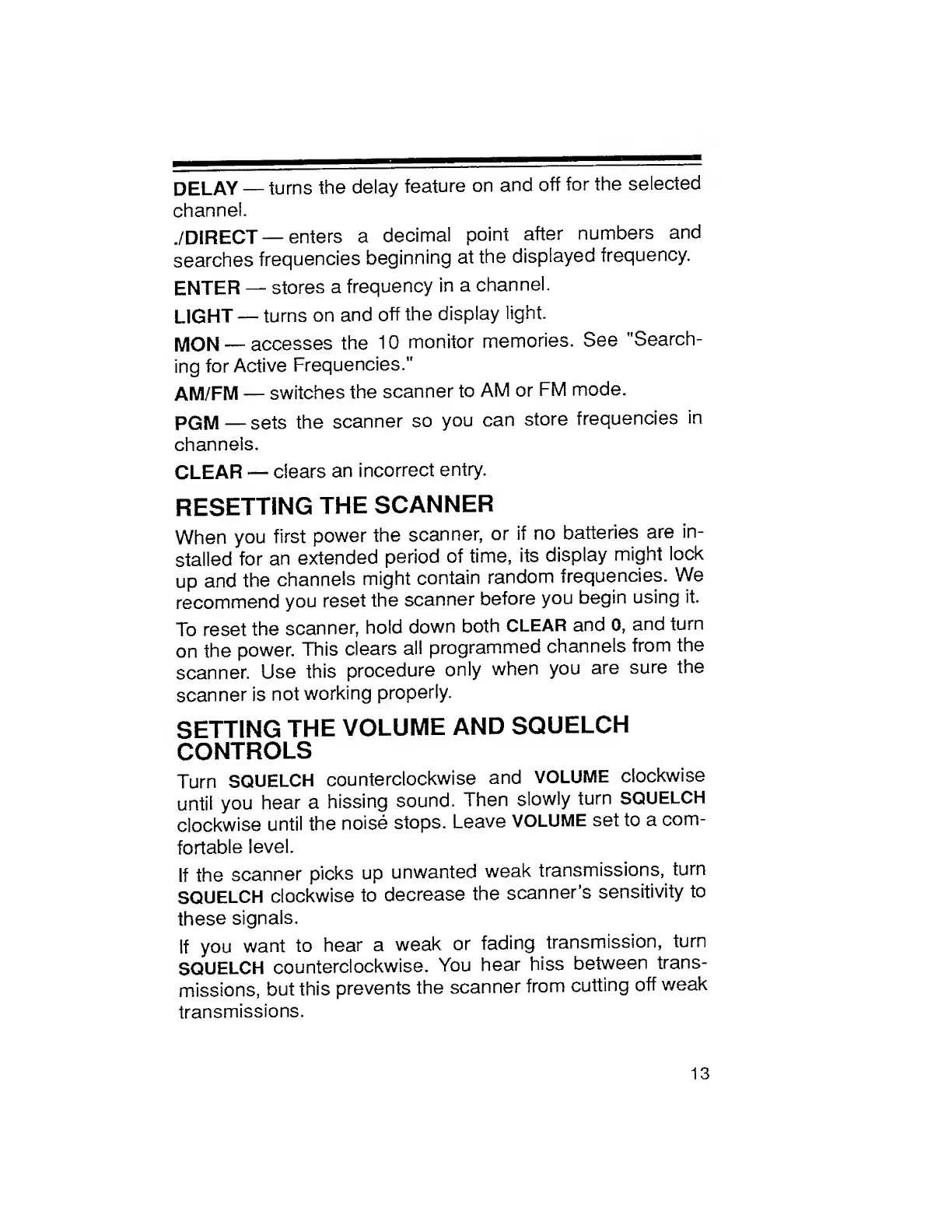
DELAY
turns
the
delay
feature
on
and
off
for
the
selected
channel.
./DIRECT
enters
a
decimal
point
after
numbers
and
searches
frequencies
beginning
at
the
displayed
frequency.
ENTER
stores
a
frequency
in
a
channel.
LIGHT
turns
on
and
off
the
display
light.
MON
accesses
the
10
monitor
memories.
See
"Search¬
ing
for
Active
Frequencies."
AM/FM
switches
the
scanner
to
AM
or
FM
mode.
PGM
sets
the
scanner
so
you
can
store
frequencies
in
channels.
CLEAR
clears
an
incorrect
entry.
RESETTING
THE
SCANNER
When
you
first
power
the
scanner,
or
if
no
batteries
are
in¬
stalled
for
an
extended
period
of
time,
its
display
might
lock
up
and
the
channels
might
contain
random
frequencies.
We
recommend
you
reset
the
scanner
before
you
begin
using
it.
To
reset
the
scanner,
hold
down
both
CLEAR
and
0,
and
turn
on
the
power.
This
clears
al!
programmed
channels
from
the
scanner.
Use
this
procedure
only
when
you
are
sure
the
scanner
is
not
working
properly.
SETTING
THE
VOLUME
AND
SQUELCH
CONTROLS
Turn
SQUELCH
counterclockwise
and
VOLUME
clockwise
until
you
hear
a
hissing
sound.
Then
slowly
turn
SQUELCH
clockwise
until
the
noise
stops.
Leave
VOLUME
set
to
a
com¬
fortable
level.
If
the
scanner
picks
up
unwanted
weak
transmissions,
turn
SQUELCH
clockwise
to
decrease
the
scanner’s
sensitivity
to
these
signals.
If
you
want
to
hear
a
weak
or
fading
transmission,
turn
SQUELCH
counterclockwise.
You
hear
hiss
between
trans¬
missions,
but
this
prevents
the
scanner
from
cutting
off
weak
transmissions.
13

Related product manuals