EasyManua.ls Logo

Realistic PRO-50 - Connecting an Optional Antenna; Connecting an Earphone

Realistic PRO-50
31 pages
Print Icon
To Next Page IconTo Next Page
To Previous Page IconTo Previous Page
Loading...
Connecting
an
Optional
Antenna
The
antenna
jack
on
your
scanner
makes
it
easy
to
use
your
scanner
with
a
variety
of
antennas.
You
can
remove
the
sup¬
plied
antenna
and
attach
a
different
one,
such
as
an
exter¬
nal
mobile
antenna,
telescoping
antenna,
or
outdoor
base
antenna.
Use
coaxial
cable
to
connect
an
outdoor
antenna.
Always
use
52-ohm
coaxial
cable,
such
as
RG-58
or
RG-8.
For
lengths
over
15
m
(50
feet),
use
RG-8
low-loss
coaxial
ca¬
ble.
Radio
Shack/Tandy
stores
sell
the
antenna
connector
adapters
that
let
you
use
these
antennas.
Warning:
When
installing
or
removing
an
outdoor
an¬
tenna,
use
extreme
caution.
If
the
antenna
starts
to
fall,
let
it
go!
It
could
contact
overhead
power
lines.
If
the
an¬
tenna
touches
the
power
line,
contact
with
the
antenna,
mast,
cable
or
guy
wires
can
cause
electrocution
and
death!
Call
the
power
company
to
remove
the
antenna.
Do
not
attempt
to
do
so
yourself.
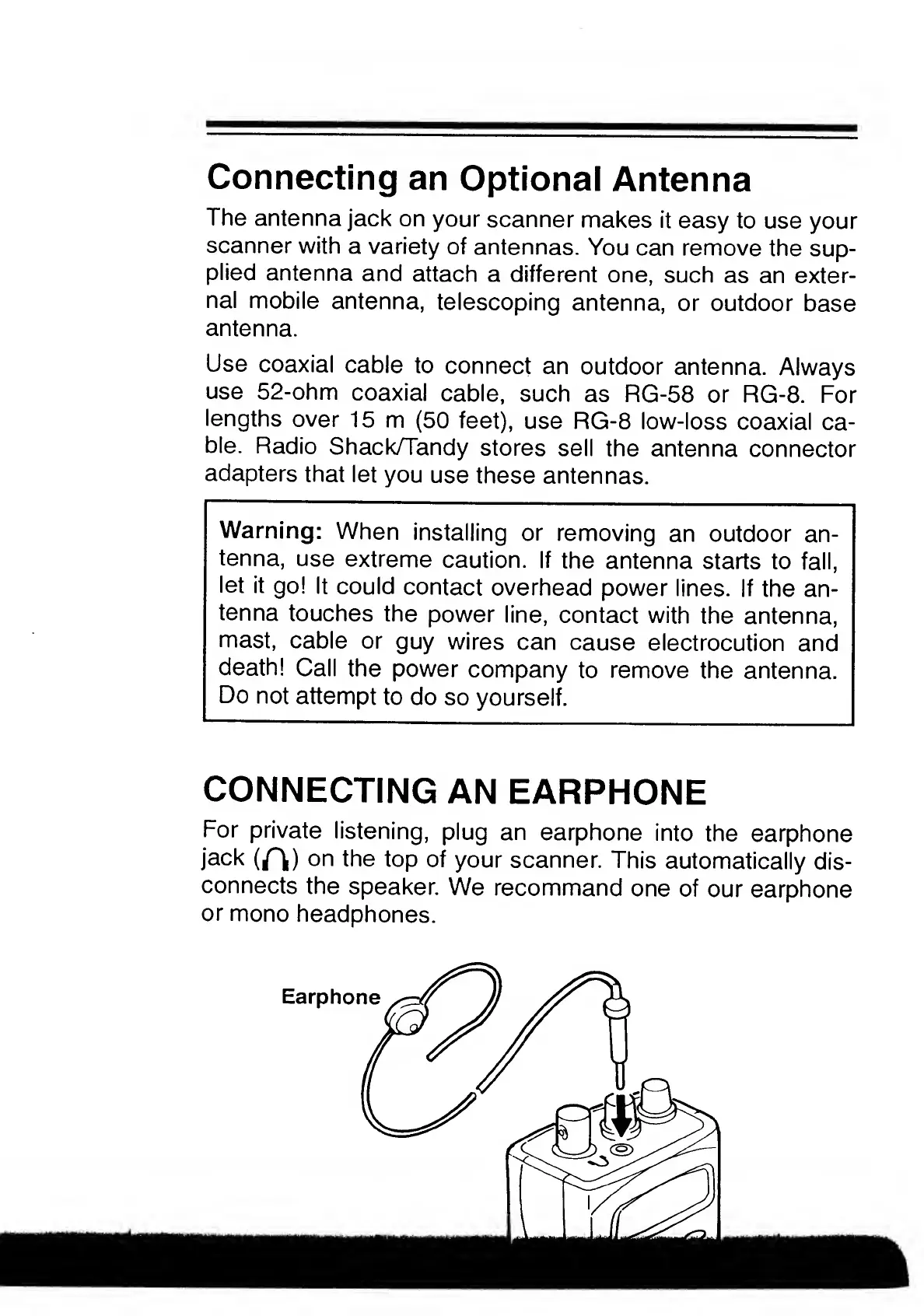
CONNECTING
AN
EARPHONE
For
private
listening,
plug
an
earphone
into
the
earphone
jack
(^)
on
the
top
of
your
scanner.
This
automatically
dis¬
connects
the
speaker.
We
recommand
one
of
our
earphone
or
mono
headphones.
Earphone

Related product manuals