EasyManua.ls Logo

Realistic PRO-50 - Understanding Your Scanner; A Look at the Display

Realistic PRO-50
31 pages
Print Icon
To Next Page IconTo Next Page
To Previous Page IconTo Previous Page
Loading...
UNDERSTANDING
YOUR
SCANNER
A
LOOK
AT
THE
DISPLAY
-
—^
SRCH
SCAN
MAN
MON
PGM
IH
13
a
n
n
d
O
O
0
0
O
0
ti
0
l
U
U
U.U
U
U
^
_____>
___
1
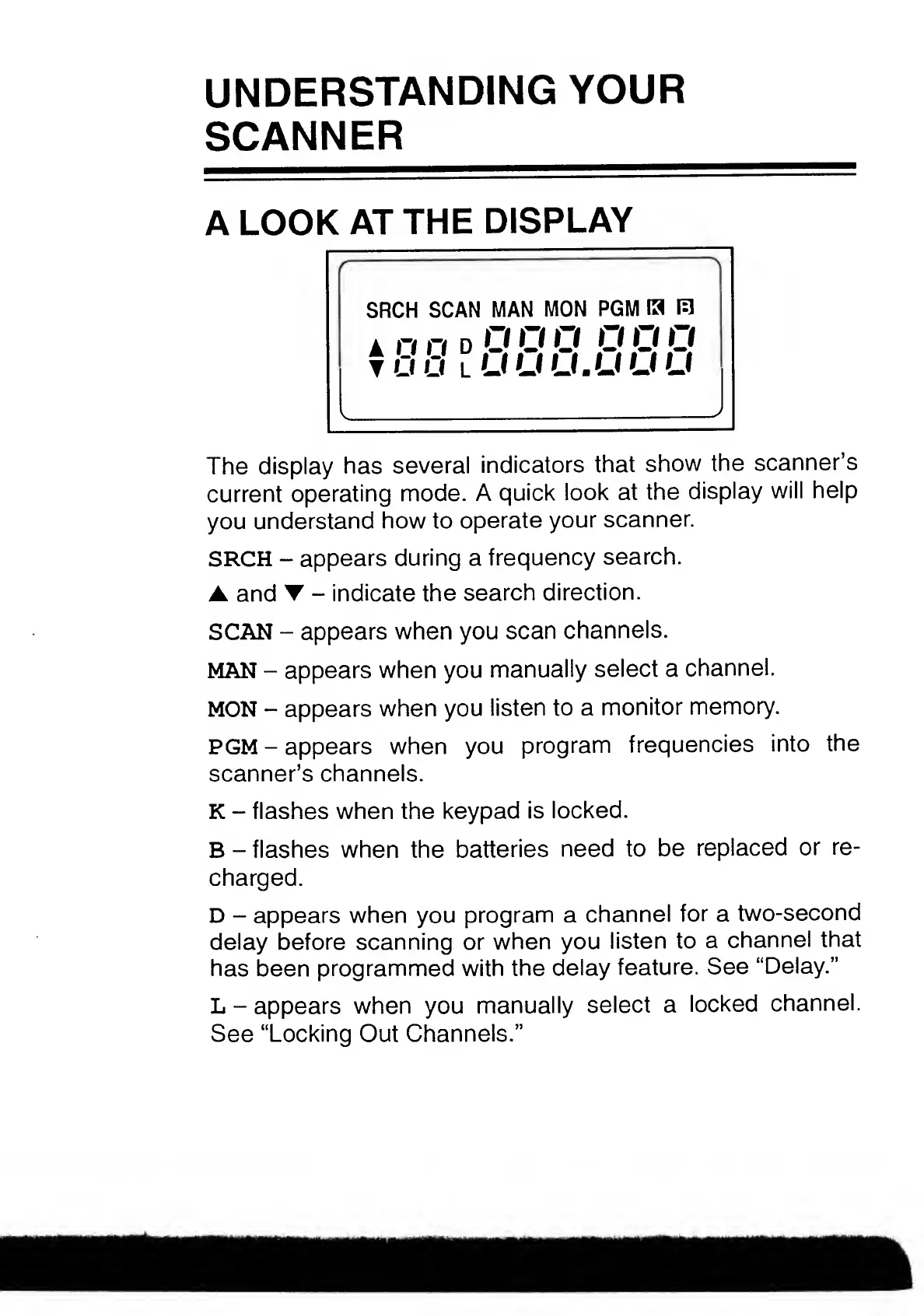
The
display
has
several
indicators
that
show
the
scanner’s
current
operating
mode.
A
quick
look
at
the
display
will
help
you
understand
how
to
operate
your
scanner.
SRCH
-
appears
during
a
frequency
search.
and
-
indicate
the
search
direction.
SCAN
-
appears
when
you
scan
channels.
MAN
-
appears
when
you
manually
select
a
channel.
MON
-
appears
when
you
listen
to
a
monitor
memory.
PGM
-
appears
when
you
program
frequencies
into
the
scanner’s
channels.
K
-
flashes
when
the
keypad
is
locked.
B
-
flashes
when
the
batteries
need
to
be
replaced
or
re¬
charged.
D
-
appears
when
you
program
a
channel
for
a
two-second
delay
before
scanning
or
when
you
listen
to
a
channel
that
has
been
programmed
with
the
delay
feature.
See
“Delay.”
L
-
appears
when
you
manually
select
a
locked
channel.
See
“Locking
Out
Channels.”

Related product manuals