EasyManua.ls Logo

Realistic PRO-50 - Troubleshooting

Realistic PRO-50
31 pages
Print Icon
To Next Page IconTo Next Page
To Previous Page IconTo Previous Page
Loading...
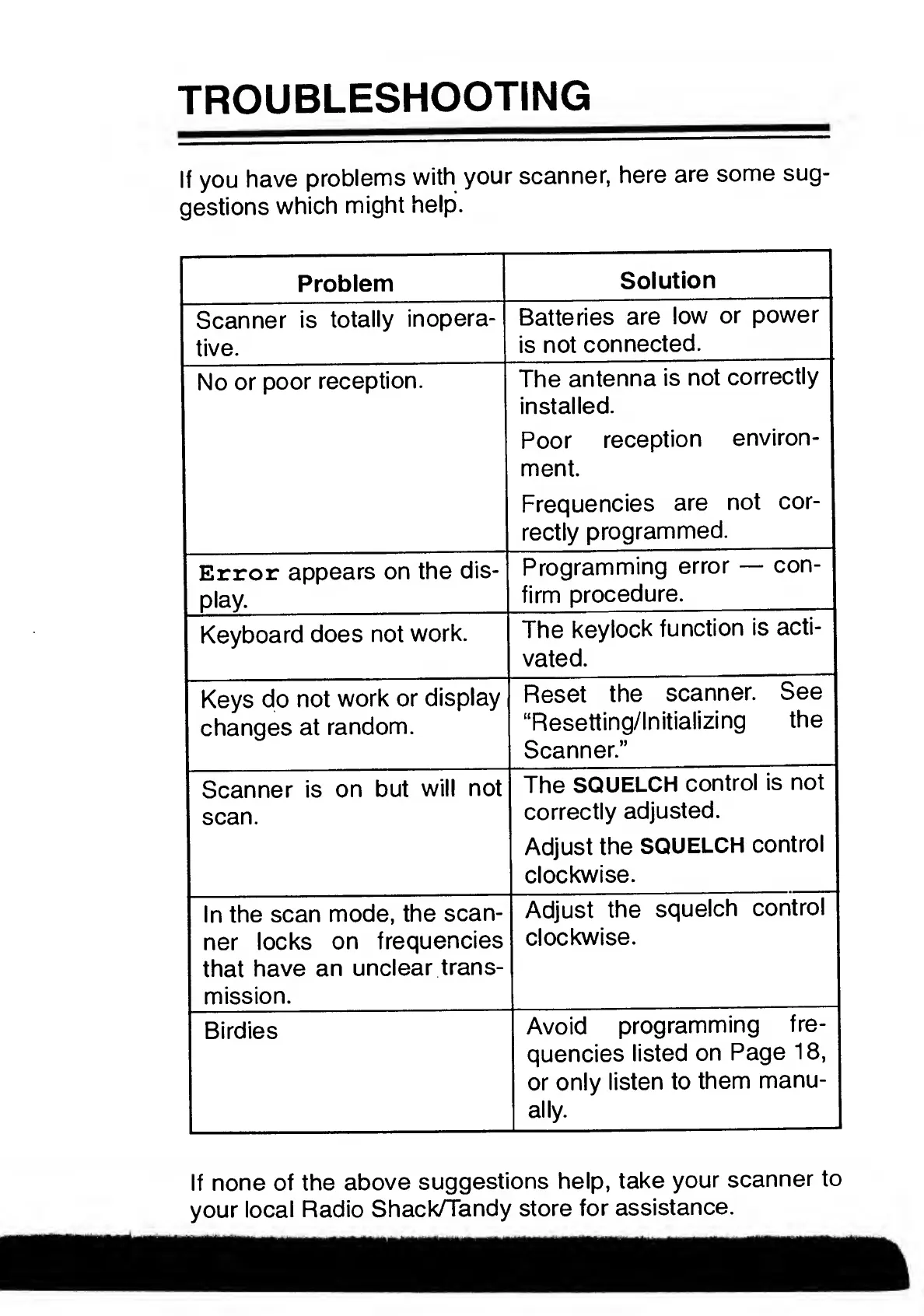
TROUBLESHOOTING
If
you
have
problems
with
your
scanner,
here
are
some
sug¬
gestions
which
might
help.
Problem
Solution
Scanner
is
totally
inopera¬
tive.
Batteries
are
low
or
power
is
not
connected.
No
or
poor
reception.
The
antenna
is
not
correctly
installed.
Poor
reception
environ¬
ment.
Frequencies
are
not
cor¬
rectly
programmed.
Error
appears
on
the
dis¬
play.
Programming
error
con¬
firm
procedure.
Keyboard
does
not
work.
The
keylock
function
is
acti¬
vated.
Keys
do
not
work
or
display
changes
at
random.
Reset
the
scanner.
See
“Resetting/Initializing
the
Scanner.”
Scanner
is
on
but
will
not
scan.
The
SQUELCH
control
is
not
correctly
adjusted.
Adjust
the
SQUELCH
control
clockwise.
In
the
scan
mode,
the
scan¬
ner
locks
on
frequencies
that
have
an
unclear
trans¬
mission.
Adjust
the
squelch
control
clockwise.
Birdies
Avoid
programming
fre¬
quencies
listed
on
Page
18,
or
only
listen
to
them
manu¬
ally.
If
none
of
the
above
suggestions
help,
take
your
scanner
to
your
local
Radio
Shack/Tandy
store
for
assistance.

Related product manuals