Installation, Operation and Technical Manual Rectifier Technologies
158-1872-01 54 19-Feb-14
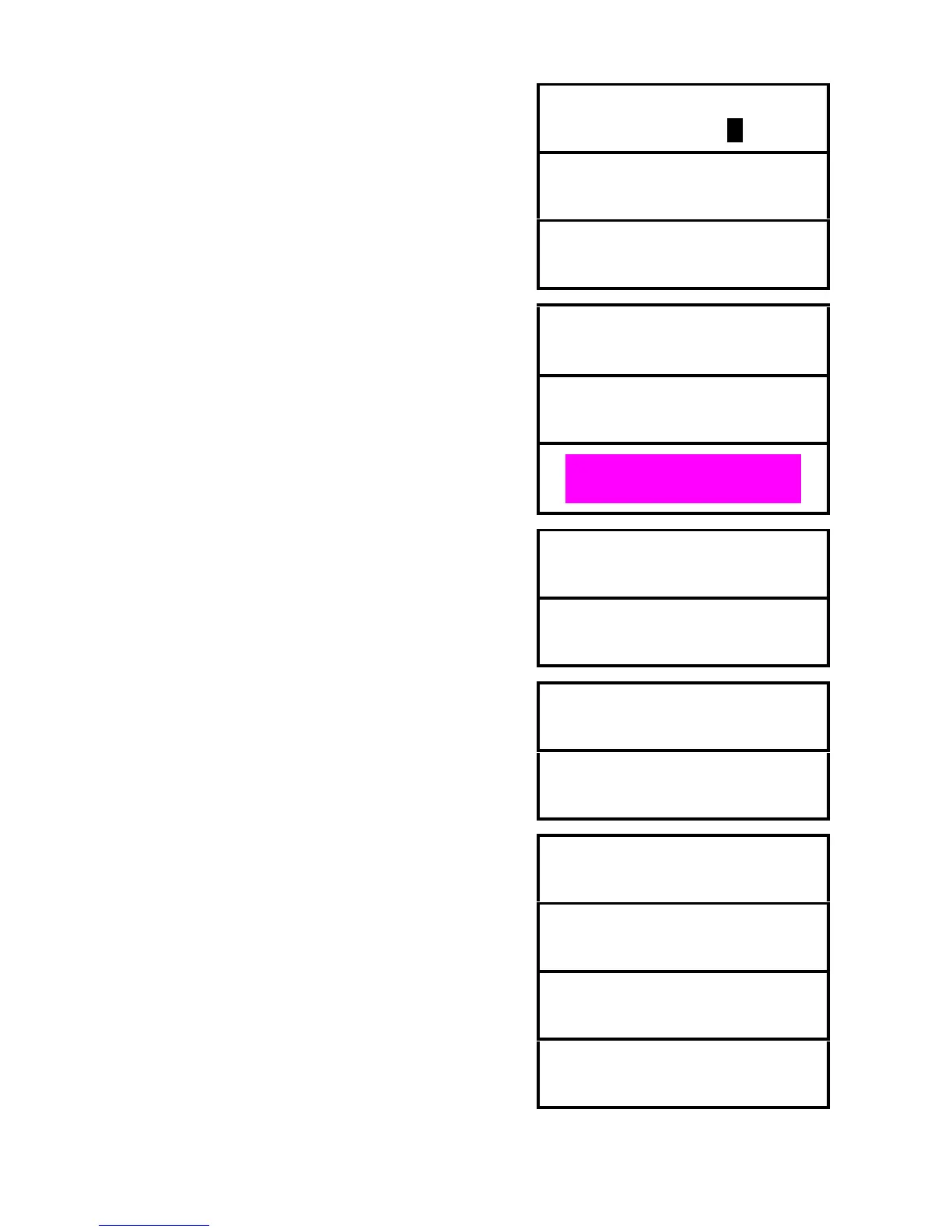
Enter the new password again.
This screen will be displayed for 2 seconds if new password
and confirmation matched. The screen will be returned to
password sub-menu entry point.
Confirmation
Password Changed
This screen will be displayed for 2 seconds if new password
and confirmation did not match. The screen will be returned
to “New Password”.
Confirmation
Wrong Password
Indicators and display test. When this function is activated,
all LEDs on the rectifiers and MCSU-4 begin flashing on
and off. The display alternates between showing the
software information and a screen with all pixels on.
Test Indicators
Press ENTER
On bottom line: 169 - product group
8441 - software identification number
02 - revision
System type. This parameter can be set to Standby or
UPS. Set to Standby for systems where the load current is
normally zero. Low load alarms are disabled for Standby.
Set to UPS for systems which typically have more than 20%
load all the time, and rely on the batteries to provide backup
power.
Menus for Mapping Loaded SMRs are available only on selected models.
MCSU-4 addresses only those magazines in which SMRs
were present during “mapping” process.
MCSU-4 addresses magazines from number 1 to the
number programmed in “Number of SMRs” menu. The next
screen is hidden.
When ENTER is pressed while viewing this menu, process
of mapping of loaded SMRs is initialised.
Mapping process can take up to 10 seconds. During that
time this message is displayed.
When mapping process is complete, MiniCSU displays
number of SMRs detected as present in the system.
When “Map Loaded SMRs” is set to “On”, editing of number
of SMRs from the front panel is not allowed. This message
will be displayed when ENTER is pressed.
Number of SMRs
Not Adjustable
End of Mapping Loaded SMRs menus


 To Next Page