Installation, Operation and Technical Manual Rectifier Technologies
158-1872-01 53 19-Feb-14
6.6.3 Base Menu Programmable Parameters
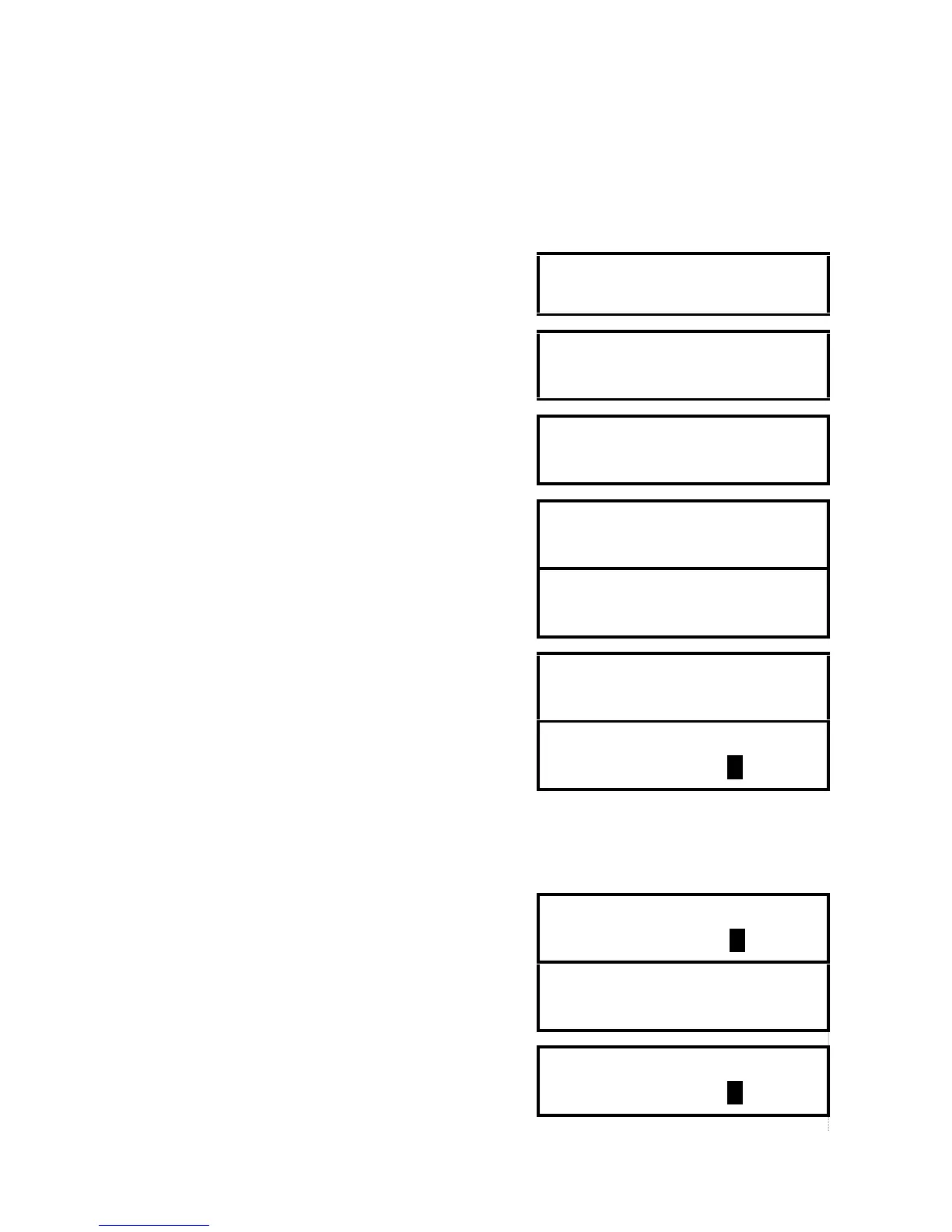
The screens below display programmable parameters within the MCSU-4 Base Menu.
To change a parameter, press INC button until the desired parameter is found, then press
ENTER. The parameter value will flash on and off. Press INC to increase the value or DEC
to decrease the value until the desired value is on the screen.
Press ENTER to enter the value into memory.
Ambient temperature alarm level
Security on or off. When security function is activated
attempts to alter any programmable value will result in the
display showing “Enter Password”.
Entry point to password programming sub-menu. If ENTER
was pressed following alternative screens will be displayed.
Password Setup
Press ENTER
This screen will be displayed if the password is
programmed for the first time.
The password must be between three and eight characters long. Using INC and DEC keys scroll to the first
character of the password (character set is 0-9 and A-Z), then press ENTER. The character will be
substituted by a star ( * ) placed to the left of the cursor. If the password has less than 8 characters press
ENTER again after the last character. Entry of a password can be aborted at any time by pressing any of
the buttons in top row of the keypad.
This screen is displayed when a password was already
programmed. Enter existing password. If the password was
forgotten, contact the supplier to obtain default password.
This message will be displayed for 2 second if password
entered was incorrect. The screen will be returned to
password sub-menu entry point.
Old Password
Wrong Password
This screen is displayed when correct old password was
entered or confirmation of the new password failed. Enter
desired new password.


 To Next Page