Installation, Operation and Technical Manual Rectifier Technologies
158-1872-01 61 19-Feb-14
Status of output relay 3. Relay is switched on manually from
WinCSU-2 program. Will remain on until switched off
manually from WinCSU-2.
Analog input signal levels only can be accessed from MCSU-4. To modify the logic or the
label of the digital inputs, the units or labels of the analog inputs, a PC running WinCSU-2
must be used.
6.7 SMR Menu Screens
All information relating to the individual rectifiers is found in the menu activated by pressing
the SMR button on the MCSU-4 front panel. To return to the MCSU-4 menu at any time,
press SMR button. To return to the SMR menu, press the SMR button again.
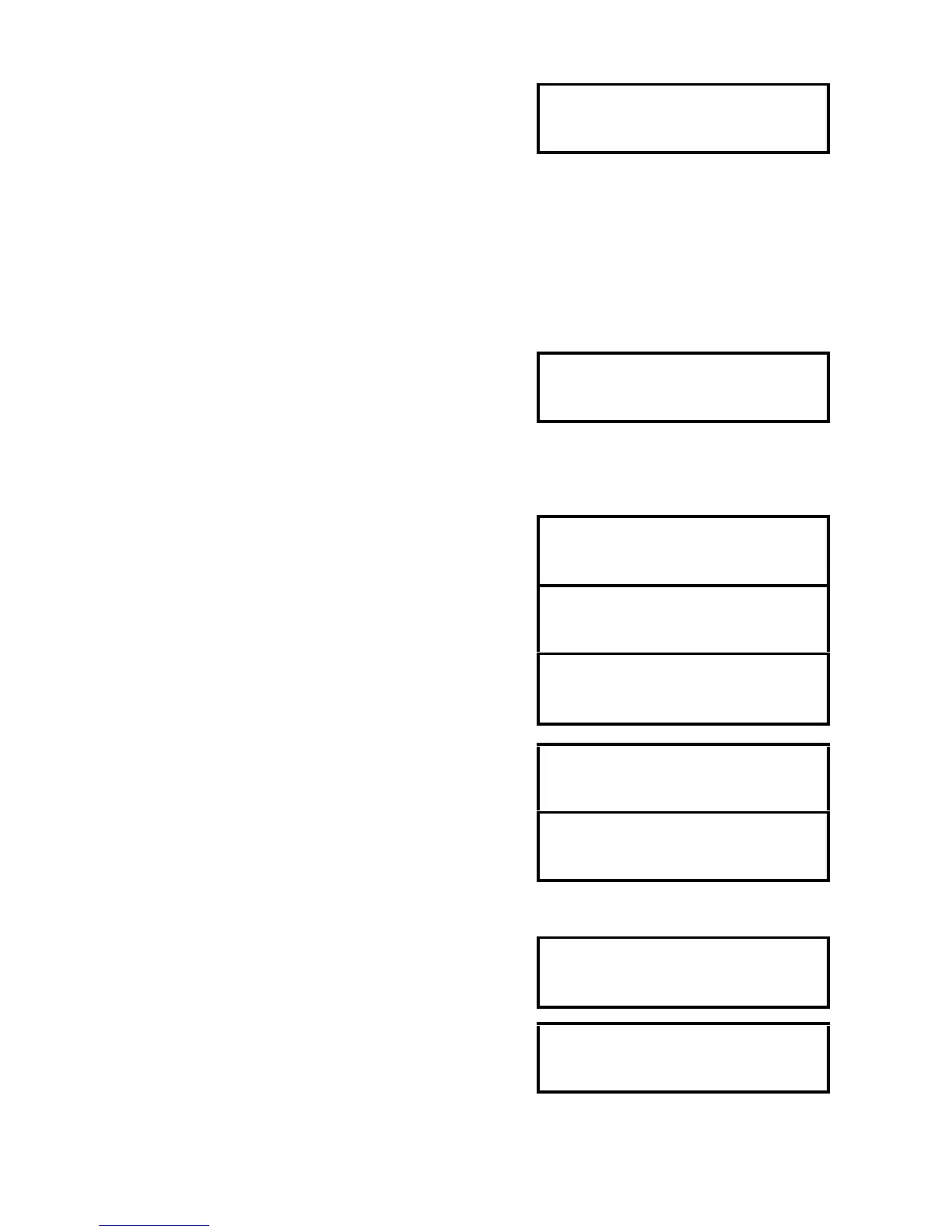
When an SMR is not connected or not switched on or is
faulty, the screen indicates that the rectifier is not
responding.
Warning: It is important to declare the correct number of rectifiers in the rack using the
MCSU-4 (home) menu.
NOTE: Output current and limit values shown below are typical for a 25A unit.
When a rectifier is on line and operating normally, its output
current and heatsink temperature are displayed. Pressing
ENTER once allows to view additional information.
Displays the version number of the SMR. Press ENTER to
revert to status screen, or INC / Dec to view SMR serial
number.
RTP rectifiers of third generation will report their electronic
serial number, which is not available in earlier models.
Displayed as last item in SMR information sub-menu.
Press ENTER to revert to status screen.
Use INC button to display status of the other rectifiers.
This display format is used when a SMR has non-shut down
alarms. Pressing ENTER will access list of alarm sources
displayed on the bottom line.
Use INC and DEC buttons to scroll through the list.
At the end of the alarm list SMR version number and
heatsink temperature are displayed.
This display format is used when a SMR is shut down.
Pressing ENTER will display the reason for shut down.


 To Next Page