40
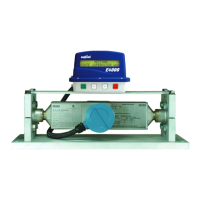
FIGURE 5.4
7. Click on Prolink, then Conguration. Check the meter conguration to assure agreement with Red Seal speci-
cations. NOTE: The meter should have been congured exactly as specied below when received from Red Seal
Measurement. If it is not, the conguration must be corrected before the meter will operate correctly.
The meters should be congured as indicated in yellow in the tab screenshots. Values and units at the
bottom of tab screenshots are to be entered in designated areas. (If any values are incorrect and must
be changed, click Apply, or the changes will not take effect):
Flow Tab
FIGURE 5.5


 To Next Page
 Loading...