SECURE FORMAT MEDIA
Secure format is a low-level format that rebuilds the SSD file system. It should only be used if the performance of the
SSD is in question.
IMPORTANT: Ensure that data is backed up before formatting media, since formatting erases all data on the SSD.
To perform a secure format, follow the instructions below:
1.
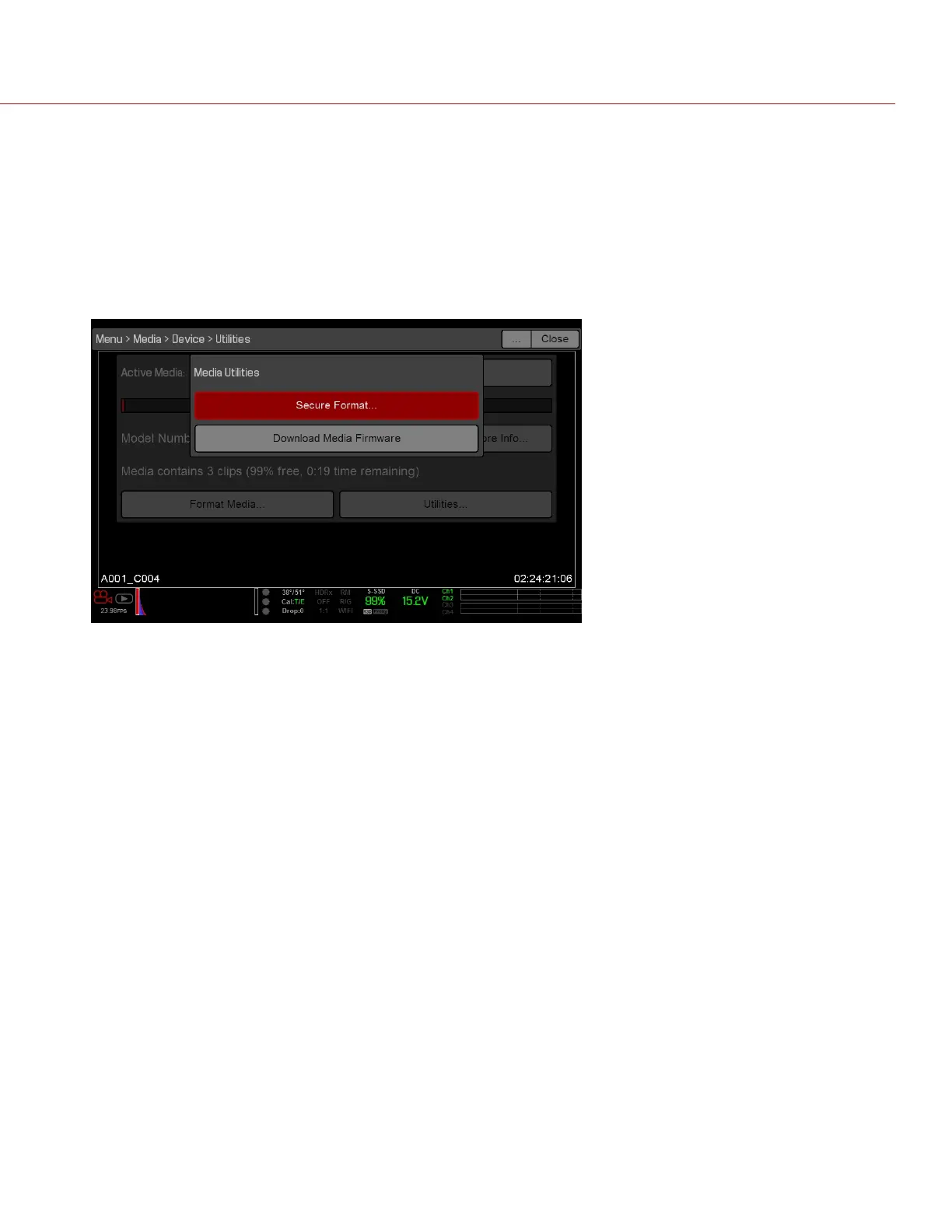
Go to Menu > Media > Device > Utilities....
2.
Select Secure Format....
Figure: Secure Format
3. Continue to format the media as you would for a normal media format. For more information, go to "Format Media
In-Camera" on page43.
C O PYRIGHT © 2 017 R ED.C OM , LLC 955- 0047, REV- AH| 45
RED DSMC MEDIA OPERATION GUIDE



 To Next Page