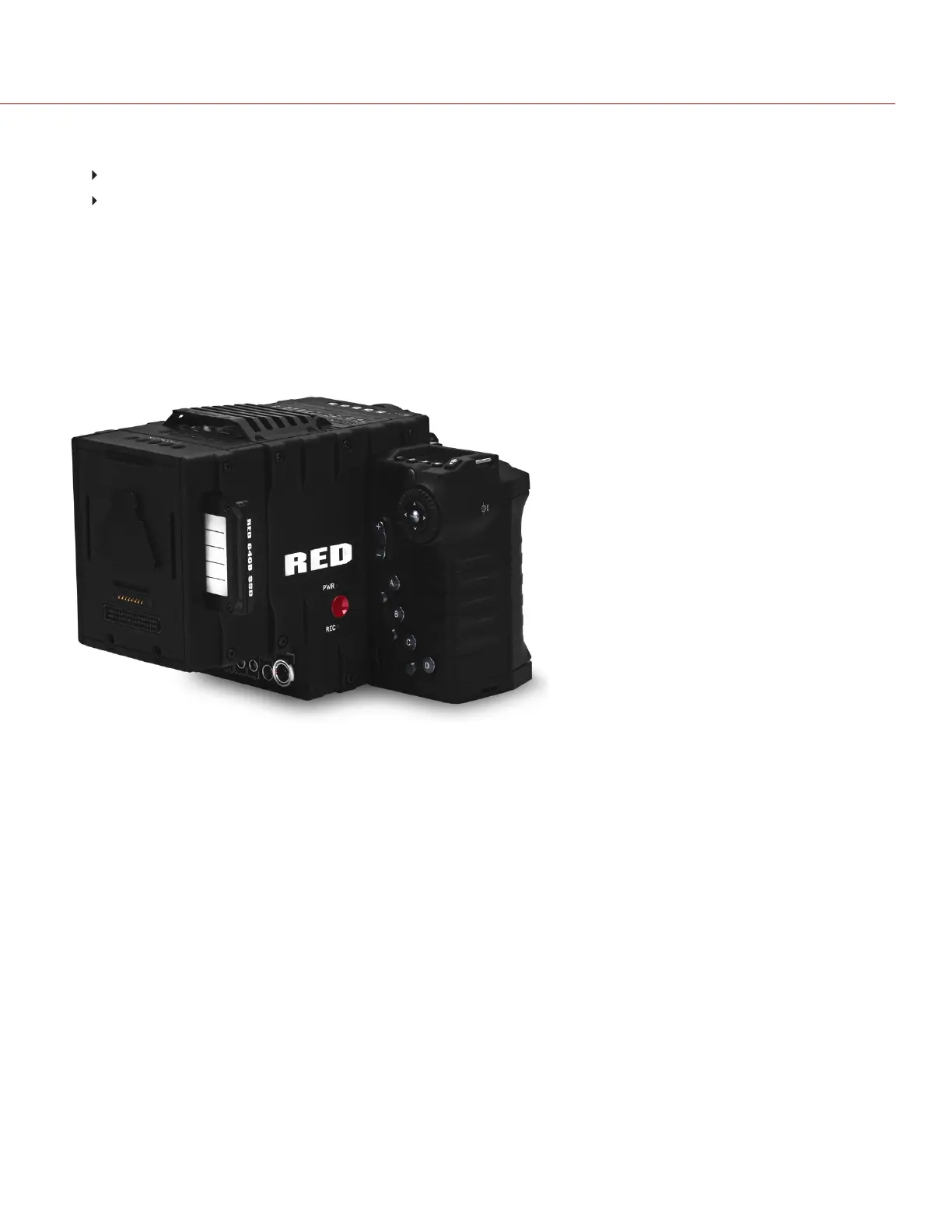
4. Insert the SSD in the SSD slot on the back of the side media module:
RED MINI-MAG module: Install the RED MINI-MAG.
DSMC 1.8" SSD Side Module: Install the REDMAG 1.8" SSD.
NOTE: DO NOT attempt to insert the RED MINI-MAG in any DSMC 1.8" SSD Side Module, and do not attempt to
insert the REDMAG 1.8" SSD in any RED MINI-MAG module.
INSTALL THE REAR SSD MODULE
The Rear SSD Module attaches to the EPIC/SCARLET the same way that the other rear modules attach to the camera.
For more information, see the camera operation guides at www.red.com/downloads.
NOTE: DO NOT attempt to insert the RED MINI-MAG in the Rear SSD Module.
Figure: Rear SSD Module
C O PYRIGHT © 2 017 R ED.C OM , LLC 955- 0047, REV- AH| 41
RED DSMC MEDIA OPERATION GUIDE



 To Next Page