service@redliro.com service@redliro.com
10
11
OPERATING INSTRUCTION
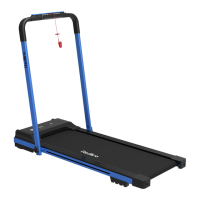
THE TREADMILL HAS A MAXIMUM SPEED OF 4 MPH WHEN THE HANDRAILS FOLD DOWN.
1.
The “
TIME
” window has two display modes.
• Standard mode counts from 00:00 ~ 99:00 and resets to 0 when it reaches 99:00.
• The preset/custom mode allows user to set a time for length of use. Select from 5 minutes to 99 minutes.
Once countdown has reached 0, your device will slowly stop and enter standby mode.
2.
The "
CALORIES
" window has two display modes.
• Standard mode counts from 0 to 999.9, and resets to 0 when it reaches 999.9.
• The preset/custom mode allows user to set calorie value. Select from20 to 990. Once countdown has
reached 0, your device will slowly stop and enter standby mode.
3.
The “
STEP
” window displays the number of steps taken. The count is 0~9999 steps. When the step count
reaches 9999, it will reset to 0.
4.
The "
SPEED
" window displays the current running speed, and the speed range is 0.5mph~7.5mph.
In preset mode, 12 preset schemes (P1 ~ P12) are displayed.
5.
The "
Distance
" window has two display modes.
• In standard mode, the distance will increase from 0.0 to 99 miles, and the count will reset to 0 when it
reaches 99
• In preset/custom mode, the distance will be reduced from the inputted data (setting range: 1~99 miles) to 0.
When the display is 0, your device will slowly stop and enter the standby state.
1
2 43 5
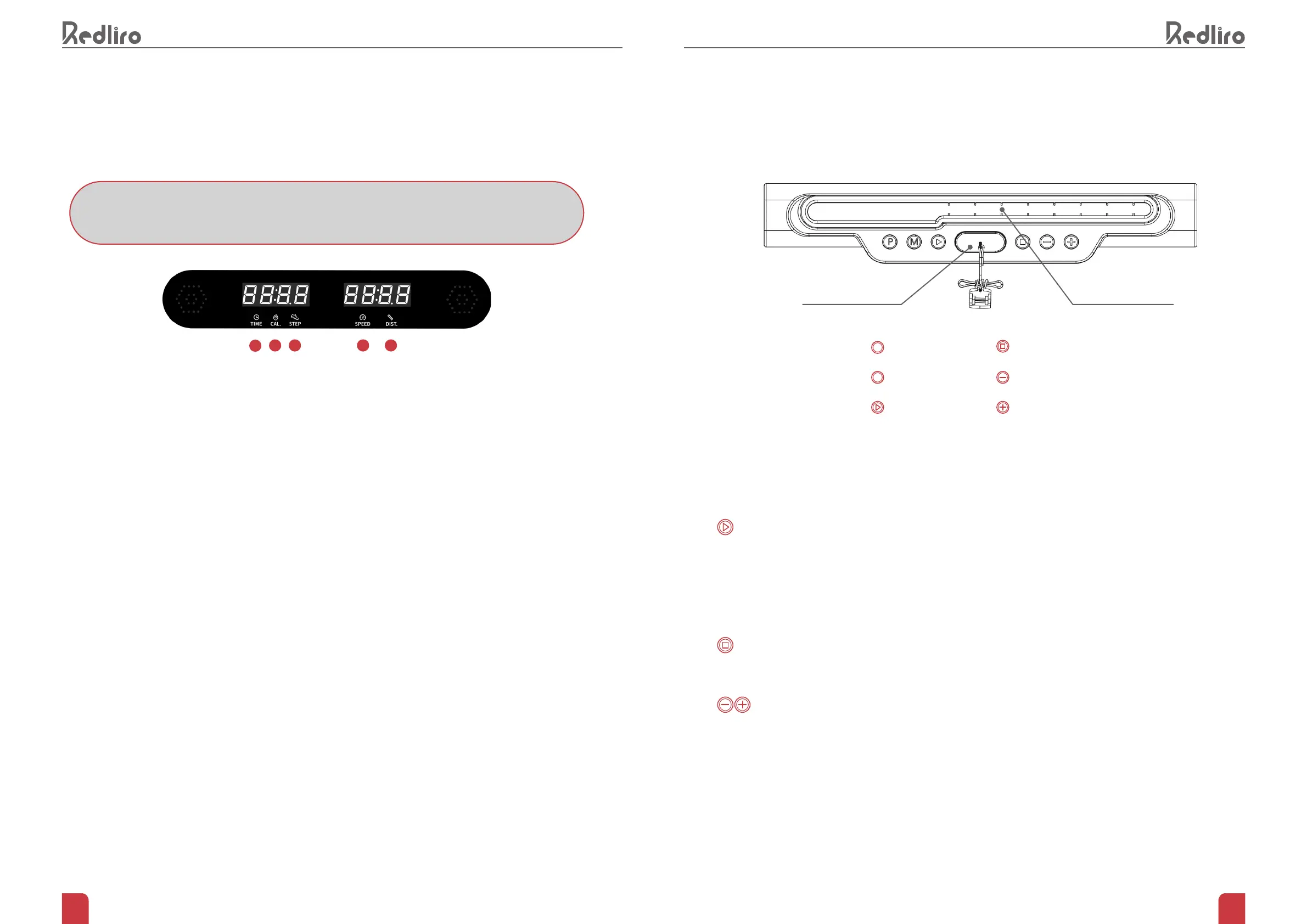
CONSOLE COMMAND DESCRIPTION
Safety key:
One end of the safety key is attached to the treadmill by magnet while the other end must be clamped to your
clothing. In an emergency, you can pull the magnetic key from the treadmill to stop running immediately.
Start button:
In standby mode, pressing the Start button will start the treadmill after 3 seconds. The default speed is 0.5mph.
In preset/custom mode, press the Start button and the running belt will begin moving at its preset speed. The
treadmill will begin to accumulate dat.
In the pause mode, press Start button and the running belt will begin moving at the previous selected
program.
Stop button:
Press the Stop button while in use for the treadmill to slow down and return to the standby mode.
In the pause mode, press Stop button and the running belt will slowly return to standby mode.
+/- button:
Used for speed adjustment while your device is in use. The adjustment range is 0.1 mph each time you
press. Hold for more than 0.5 seconds, the speed will continue to increase or decrease. Can also be used to
adjust settings in preset/custom mode.
Programs
Mode
Start
P
M
Safety Key Phone/Pad Holder
stop
Increase speed
Reduce speed


 To Next Page