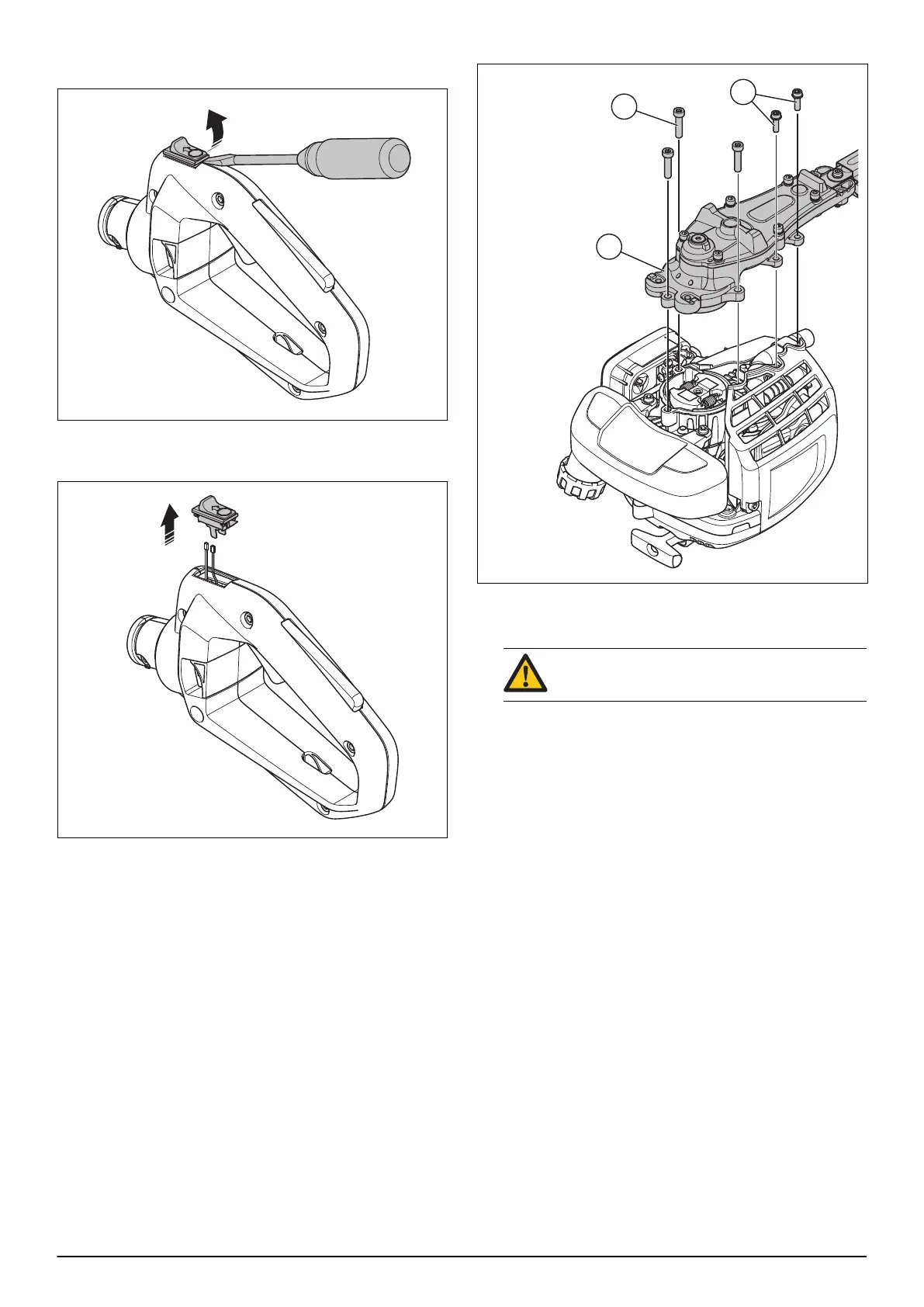
7.10.4 To remove and install the stop switch
1. Use a flat screwdriver to loosen the stop switch.
2. Disconnect the 2 cables.
3. Remove the stop switch.
4. Install in the opposite sequence.
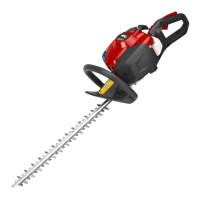
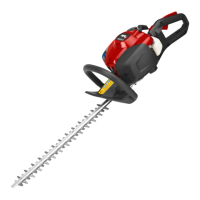
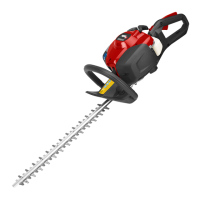
7.11 Cutting unit
7.11.1 To remove and install the cutting unit
1. Remove the front handle. Refer to
To remove and
install the front handle on page 27
.
2. Remove the throttle handle. Refer to
To remove and
install the throttle handle on page 27
.
3. Remove the 3 screws (A).
4. Remove the 2 screws (B).
5. Remove the cutting unit (C).
WARNING:
Use protective gloves.
6. Clean the cutting unit.
7. Examine the cutting unit for damage and wear.
Replace damaged parts.
8. Examine the sharpness of the blades. Sharpen the
blades if it is necessary.
9. Install in the opposite sequence.
7.12 Clutch, clutch drum and gearbox
7.12.1 To disassemble and assemble the clutch
1. Remove the throttle handle. Refer to
To remove and
install the throttle handle on page 27
.
2. Remove the front handle. Refer to
To remove and
install the front handle on page 27
.
3. Remove the cutting unit. Refer to
To remove and
install the cutting unit on page 30
.
4. Remove the spark plug.
5. Put the piston stop in the spark plug hole. Refer to
Product overview for repair instructions on page 13
.
6. Put the product with the starter unit down.
30 - Repair instructions 1351 - 002 - 25.11.2020


 To Next Page