10
A) Press the REC
B) Press the REC button again and the minimum value will appear
hold the REC button for two seconds.
When in recording mode the POWER button is disabled
and the meter cannot be turned off.
Backlight
After powering the meter ON, the LCD Backlight will turn on automatically.
Setup Mode
1. Press and hold the SET button for 2 seconds to enter Setup Mode.
2. Press the SET button continuously to scroll through the
following parameters.
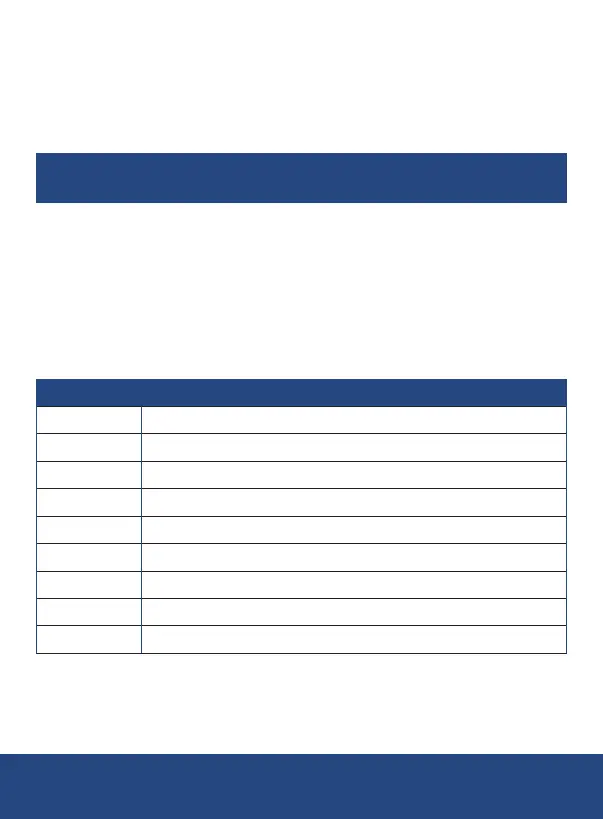
Parameter Description
Sd F Format the SD memory card
dAtE Set the time and date
SP-t Set the data logging sampling rate
PoFF Enable or disable the auto-power off function
bEEP Turn the beeper on or off
dEC
t-CF Select the temperature unit of measure (°C or °F)
t-SEt Set pH manual Temp. compensation value, pH only
ESC
3. Once the appropriate parameter has been selected, follow the
instructions below.
Note: At any time, you can press the ESC
and resume normal operation.
continued...
REED Instruments
1-877-849-2127 | info@reedinstruments.com | www.reedinstruments.com



 To Next Page