17
4. Manually adjust the temperature compensation value to make it
same as the temperature value of the pH buffer solution. Refer to the
Setup Mode section of this manual for instructions. For automatic
temperature compensation, plug in the optional ATC probe.
5. Rinse the electrode with distilled water to remove any residual solution.
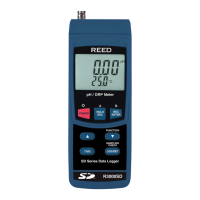
6. Place the electrode into the pH 7.00 buffer solution, so that the tip of
the electrode and junction are fully immersed in the buffer solution,
and stir at a moderate, uniform rate. If using an ATC probe, both
probes should be placed into the solution together.
7. When calibration has stabilized, a pH value will appear at the top of
the display.
8. Press and hold both the REC and HOLD buttons until the screen
of the screen and release to enter the calibration mode.
9. Press the and buttons to scroll to pH 7.00 or whichever screen
matches your buffer solution.
10. Press the Enter button to save your selection.
11. Repeat steps 5 through 10 for the pH 4.00 and pH 10.00 buffer solutions.
Clearing pH Calibration Data
1. While under normal, press and hold both the REC and HOLD
calibration mode.
2. Press the and buttons
3. Press the ENTER button to conrm and erase all calibration data.
4. The display will continuously blink while the calibration data is
being erased.
5. When complete, the meter will resume normal operation.
REED Instruments
1-877-849-2127 | info@reedinstruments.com | www.reedinstruments.com



 To Next Page