Ballast Bags-
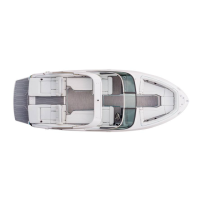
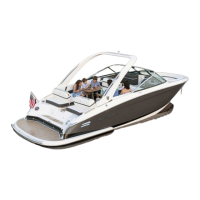
Depending on the Regal surf model, a set of ballast bags (total poundage varies) can be lled automatically or manu
-
ally to different levels which can affect the type of surf wave produced. Normally the ballast bags are located in the
center bow along with the port and starboard stern to maintain stability.
Surf Tabs-
The stainless steel surf tab set (transom mounted near hull bottom edge) are designed to be either fully extended for
surf riding or fully retracted for normal cruising as controlled by the Regal Vue surf system touch screen. W;hen the
starboard or port postions are chosen on the touch screen the transom light on that side of the boat will initially ash
indicating to the surf rider the side of the surf wave. Note that the surf tabs are locked when the engine is “OFF”.
There is a red (OFF/ON) tab system activation icon touch control button on the lower left surf screen In addition,
when a speed of 14 mph is achieved the surf tabs will automatically return to the retracted position.
Regal Vue Surf Screen-
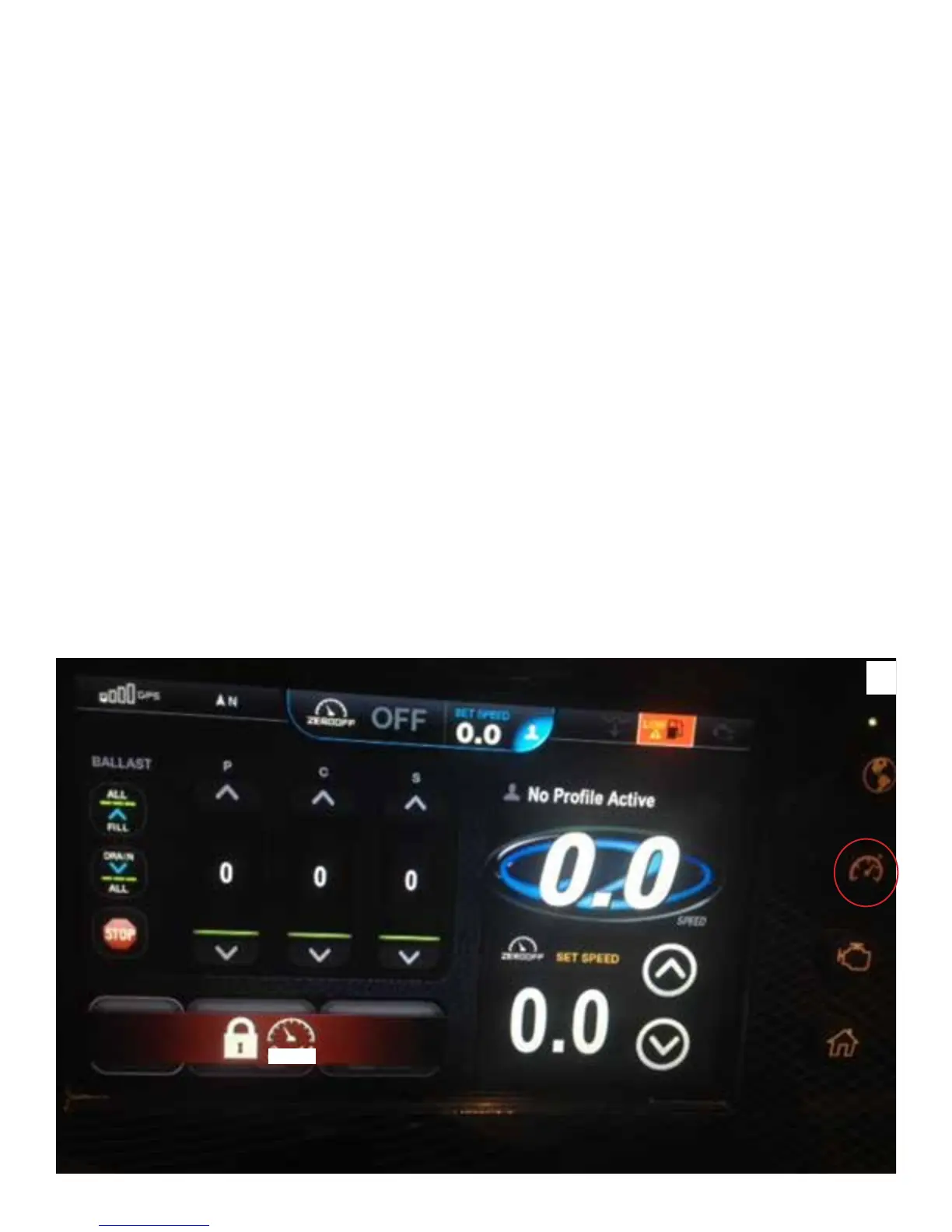
Using the full ngertip surf control screen you can consolidate all surf functions in one place. Here you can ll your
ballast, choose your speed, and pick your wave direction with just a few taps on the touch screen display. The surf
control screen is opened by depressing the second button from the top on the right side (timer).
Setting The Surf Screen Control Screen Display Functions
1.The Regal Vue display is energized by starting the engine or all selections can be made with the key in the “ON”
position except for the surf tabs. Once the display is activated it will show REGAL and the HOME screen will appear
similar to illustration A below.
2. To activate the surf screen display and to be able to set up the system for surng depress the timer on the Regal
Vue right side. You will see a screen appear that is close to what is shown below.
A
0-14


 To Next Page