10
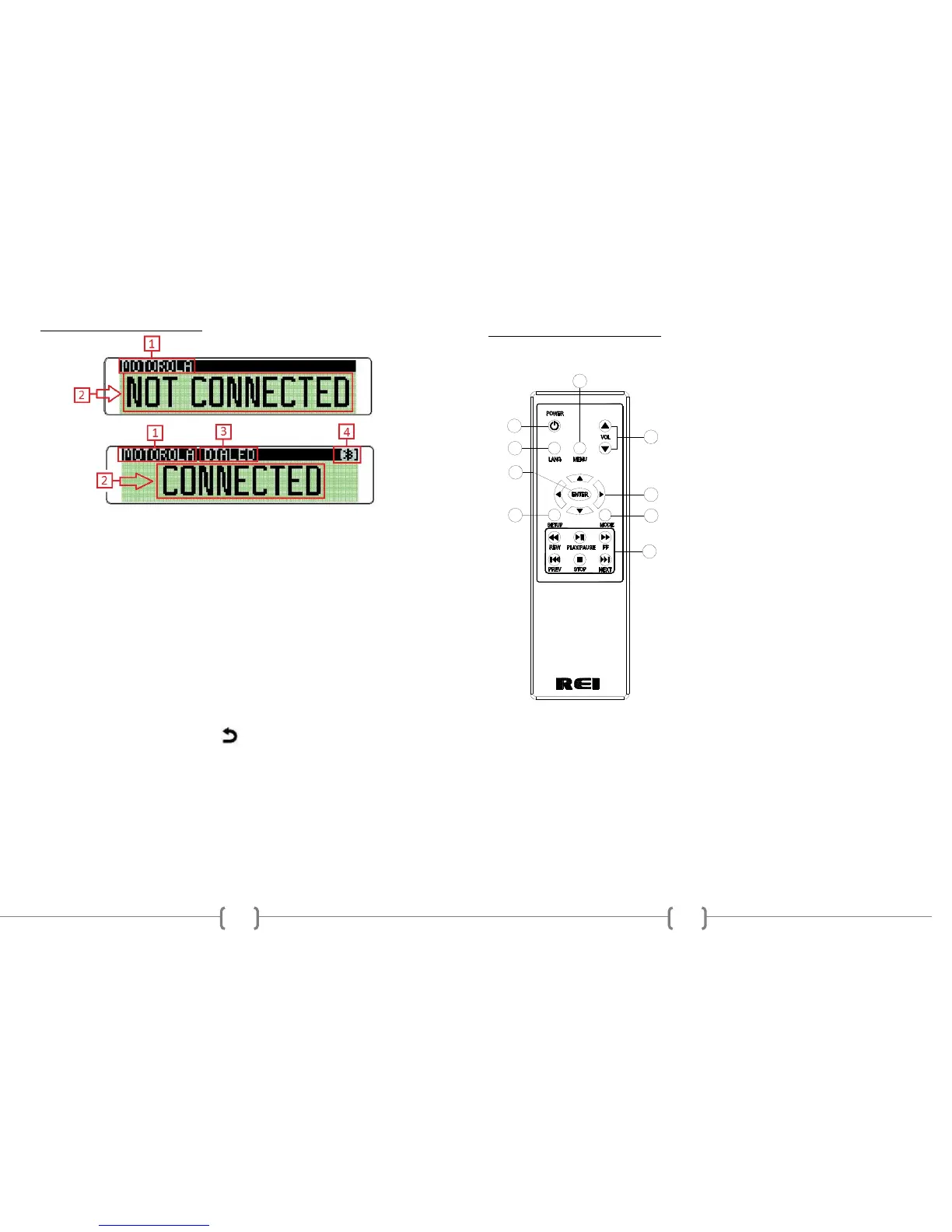
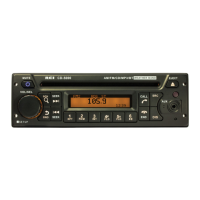
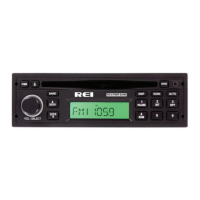
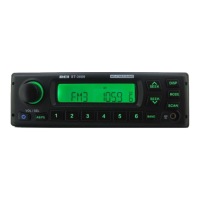
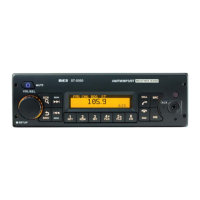
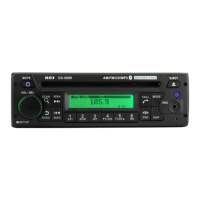
BLUETOOTH® PHONE MODE
1. Bluetooth Phone ID
Displays the ID of previously paired Bluetooth Phones. Rotate to the VOL/SEL
knob to display other paired devices and press the VOL/SEL to initiate
re-connection.
2. Display information
Shows the connection status and phone number of the incoming or outgoing call.
3. Options Menu
When connected to a Bluetooth Enabled phone, Rotate the VOL/SEL knob to
access DIALED, RECEIVED, MISSED, or PHONEBOOK.
DIALED Displays all dialed calls from the currently connect phone.
RECEIVED Displays all answered incoming calls from the currently
connect phone.
MISSED Displays all missed calls from the currently connect phone.
PHONEBOOK Displays the contacts currently stored on the connected
phone. Some phones require the user to accept the radio’s permission
to view contacts before displaying them on the radio.
The use can rotate and choose using the VOL/SEL button and press it to also
select the desired number. Use the button to return to the previous menu.
Once the phone number is displayed, press the CALL button to place the call.
4. Connection Status
Displays the Bluetooth® icon connection status of the radio.
15
7
6
1
2
5
3
4
9
8
OPTIONAL REMOTE CONTROL
*Requires 2AA Batteries
(1) Power Button
(2) Language Button (N/A)
(3) Menu Button (N/A)
(4) Volume Up/Down Buttons
(5) Enter Button (N/A)
(6) Scroll Buttons (N/A)
(7) Setup Button (N/A)
(8) Mode Button
(9) Playback Buttons


 To Next Page