8
Your New System
1
Using the Meter Buttons
When instructed to press a meter button, press it briefly and release it.
When instructed to press and hold a meter button, press and hold it for 3 or more
seconds.
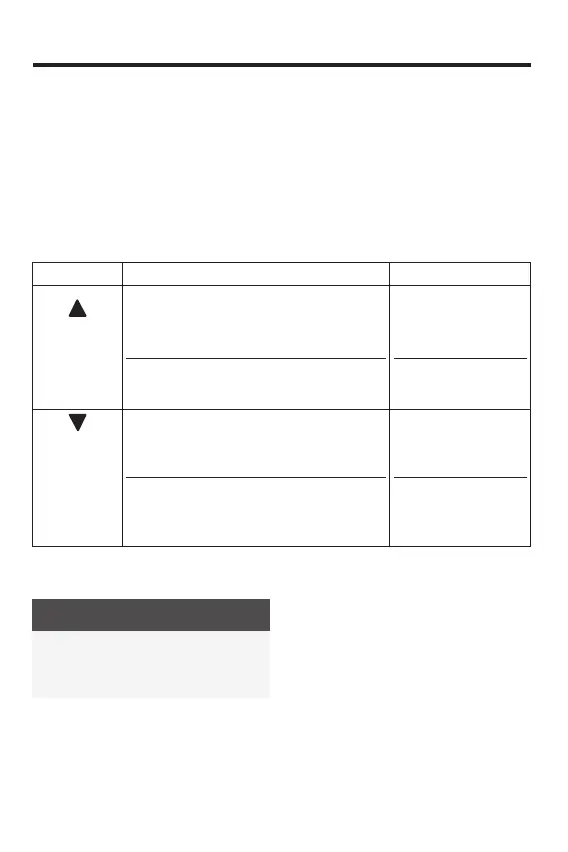
Button Functions
Here are the functions of the Up button and Down button on the meter. These functions
are used throughout this manual.
[Up button]
Increase an option.
Move forward through test results in memory.
Set time and date selections.
Turn meter o.
Press and hold.
[Down button]
Move back through test results in memory.
Enter set-up mode.
Enter Bluetooth wireless technology pairing
mode.
Press and hold.
Target Range
WARNING
This function is no substitute for
hypoglycemia training by your
healthcare professional.
Consult your healthcare professional for
the blood glucose range appropriate for
you. It is very important to stay within your
target range.
The target range is set by default at
70–180 mg/dL. The target range can be
set from a lower limit of 60–140 mg/dL to
an upper limit of 90–300 mg/dL. Consult
your healthcare professional before
changing the target range.
To change the target range, pair the meter
to a mobile device, or connect it to a PC
with diabetes management software
installed. Then follow the diabetes
management software or mobile app
instructions. Functionality may vary by
software or mobile app. For questions,
contact Customer Service at
1-800-819-1097.
83561_09410155001A EN ReliON.indd 883561_09410155001A EN ReliON.indd 8 3/23/2022 11:23:41 AM3/23/2022 11:23:41 AM



 To Next Page