25
6
Connecting to a PC
Connecting the Meter to a PC
Using a USB Cable
Follow these steps to access diabetes
management software on a PC. You can
use this software to view stored results,
set the meter time and date, and change
the target range. Functionality may vary by
software. For questions, contact Customer
Service at 1-800-819-1097.
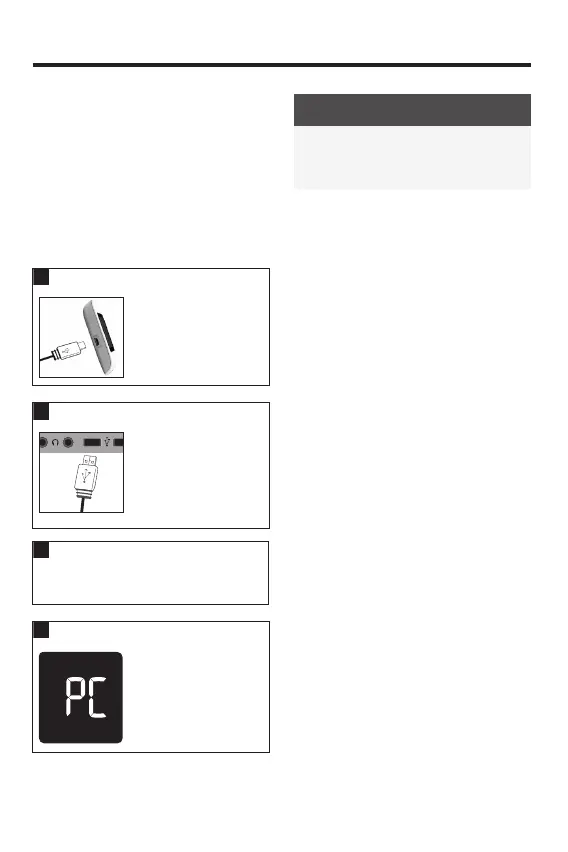
Plug the small end of
a USB cable into the
meter.
Plug the large end of
a USB cable into a
USB port on the PC.
If the meter is o, it
turns on.
3
Start the diabetes management
software and initiate a data transfer.
4
The meter transfers
the data to the
software.
NOTE
The USB cable does not charge the
meter batteries. Remove the USB cable
after you have finished.
83561_09410155001A EN ReliON.indd 2583561_09410155001A EN ReliON.indd 25 3/23/2022 11:24:16 AM3/23/2022 11:24:16 AM



 To Next Page