operating faults ..........................................
(current page)
screens
multimedia screen ................................
(up to the end of the DU)
faults
operating faults ....................................
(current page)
2.59
ENG_UD69657_4
Aide au maintien de voie (HJB - Renault)
LANE KEEPING ASSIST (4/6)
Conditions for non-activation
of the system
The system cannot be activated when:
– reverse gear is engaged;
– the field of vision of the camera is ob-
structed;
– the
û warning light is displayed.
The
warning light and the left/
right line warning lights are displayed in
grey on the instrument panel.
Adjustment
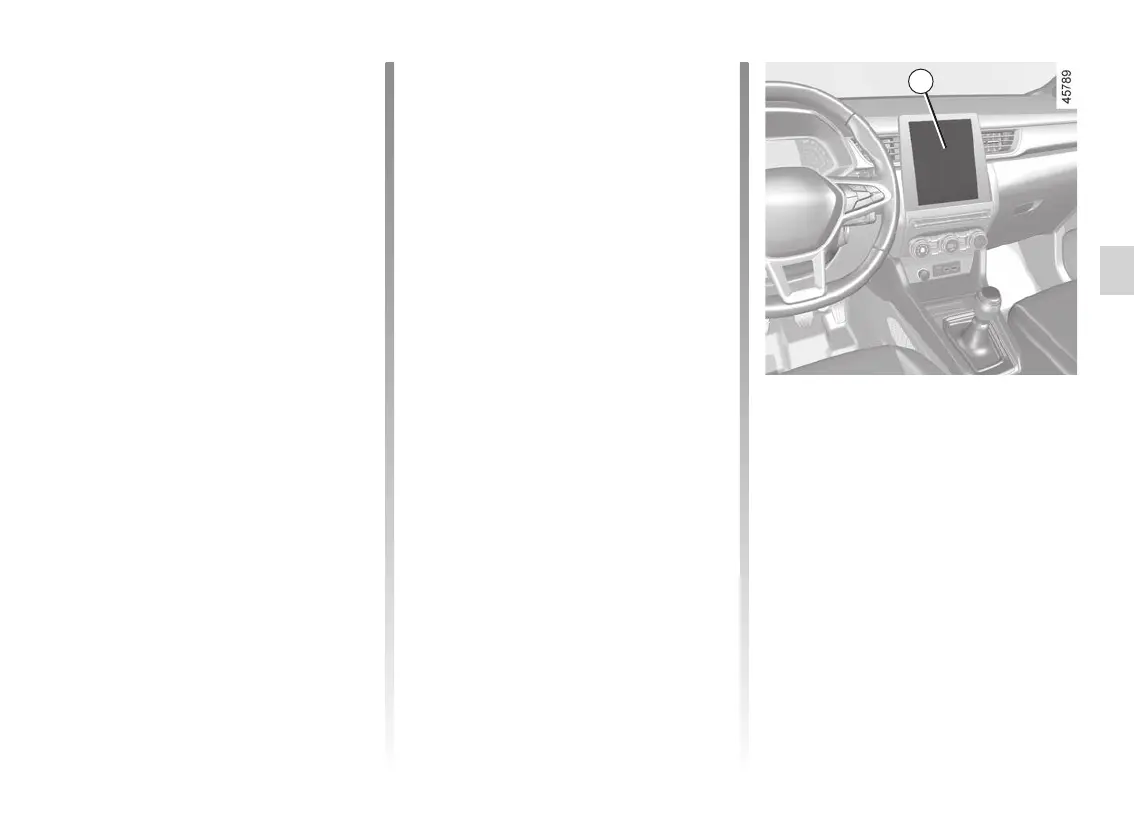
Vehicles fitted with a multimedia
screen.
To access the multimedia screen func-
tion settings 4, refer to the multimedia
instructions:
– “Vibration”: adjust steering wheel
vibration for the “Lane Departure
Warning” function;
Temporarily not available
– Very fast lane departure;
– driving continuously on a line;
– four seconds approximately after
changing lanes;
– tight bends;
– impaired visibility;
– activation of one of the direction indi-
cator lights;
– strong acceleration;
– emergency braking;
– ...
If the function is unavailable, the
warning light and the left/right correc-
tion warning lights 3 appear in grey on
the instrument panel.
4
– “Alert”: adjust the line detection sen-
sitivity level. To do this, select:
– “Late”: line detected when cross-
ing;
– “Standard”: line detected on ap-
proach;
– “Early”: line detected nearby.
Please refer to the multimedia instruc-
tions for further information.














 To Next Page