2.148
ENG_UD64368_3
Stationnement assisté (HJB - Renault)
ASSISTED PARKING (2/5)
Choice of manoeuvre
The system can perform four types of
manoeuvres:
– parallel parking;
– perpendicular parking;
– angle parking;
– moving out of a parallel parking
space.
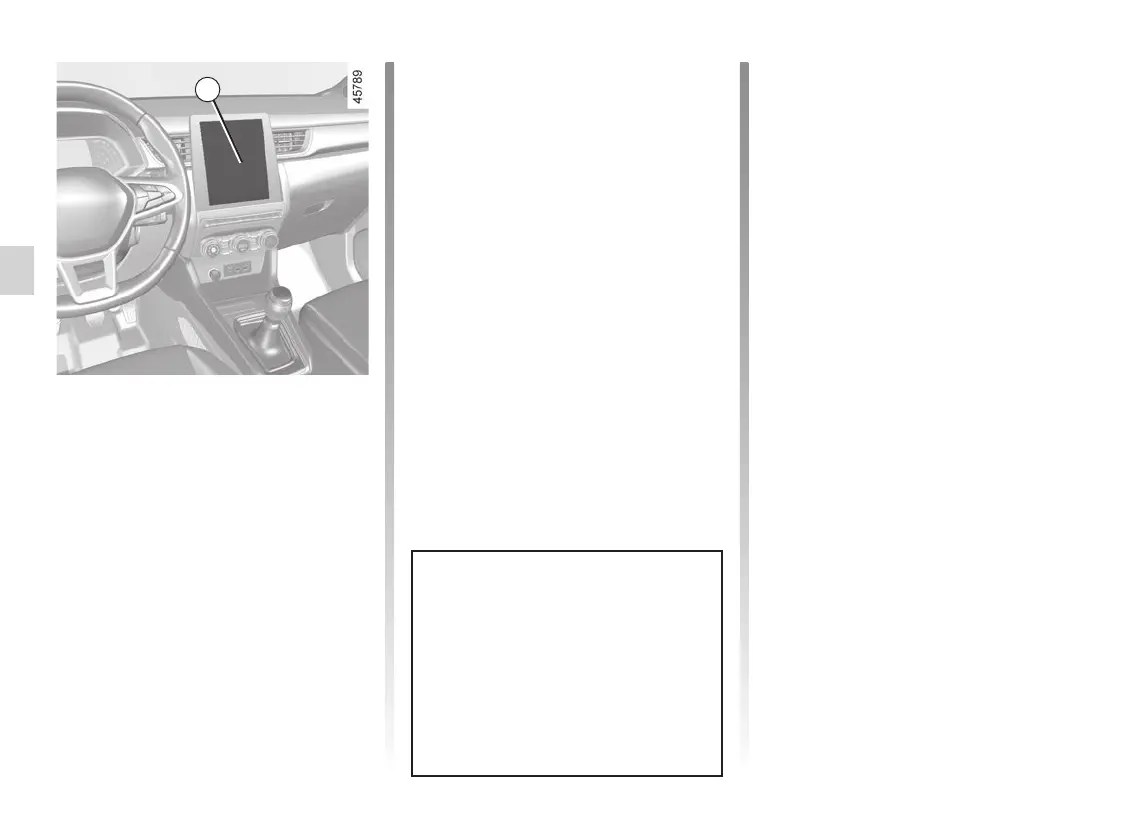
From the 1 multimedia screen, select
the manoeuvre to carry out.
Operation
Parking
As long as the vehicle speed is less
than 19 mph (30 km/h), the system
searches for available parking spaces
on the side of the vehicle chosen by the
driver.
Note: if parking spaces are available
on the other side of the vehicle, set the
direction indicators to the other direc-
tion to enable the system to search for
spaces.
Once a space has been found, it is dis-
played on the multimedia screen, indi-
cated by a small letter “P”. Drive slowly,
with the direction indicators activated
on the side where the space is avail-
able, until the “Stop” message is dis-
played and a beep sounds.
1
Note: when starting the vehicle, or after
having successfully completed parallel
parking using the system, the default
manoeuvre proposed by the system is
assistance in exiting a parallel parking
space. In other cases, the default ma-
noeuvre can be set from the multimedia
screen 1. Please refer to the multime-
dia instructions for further information.
The system start up is accompa-
nied by activation of the parking dis-
tance control and, on those vehicles
equipped, the reversing camera
or 360° camera to help the driver
visualise the manoeuvre. ➥ 2.133,
➥ 2.140 and ➥ 2.73.














 To Next Page