61
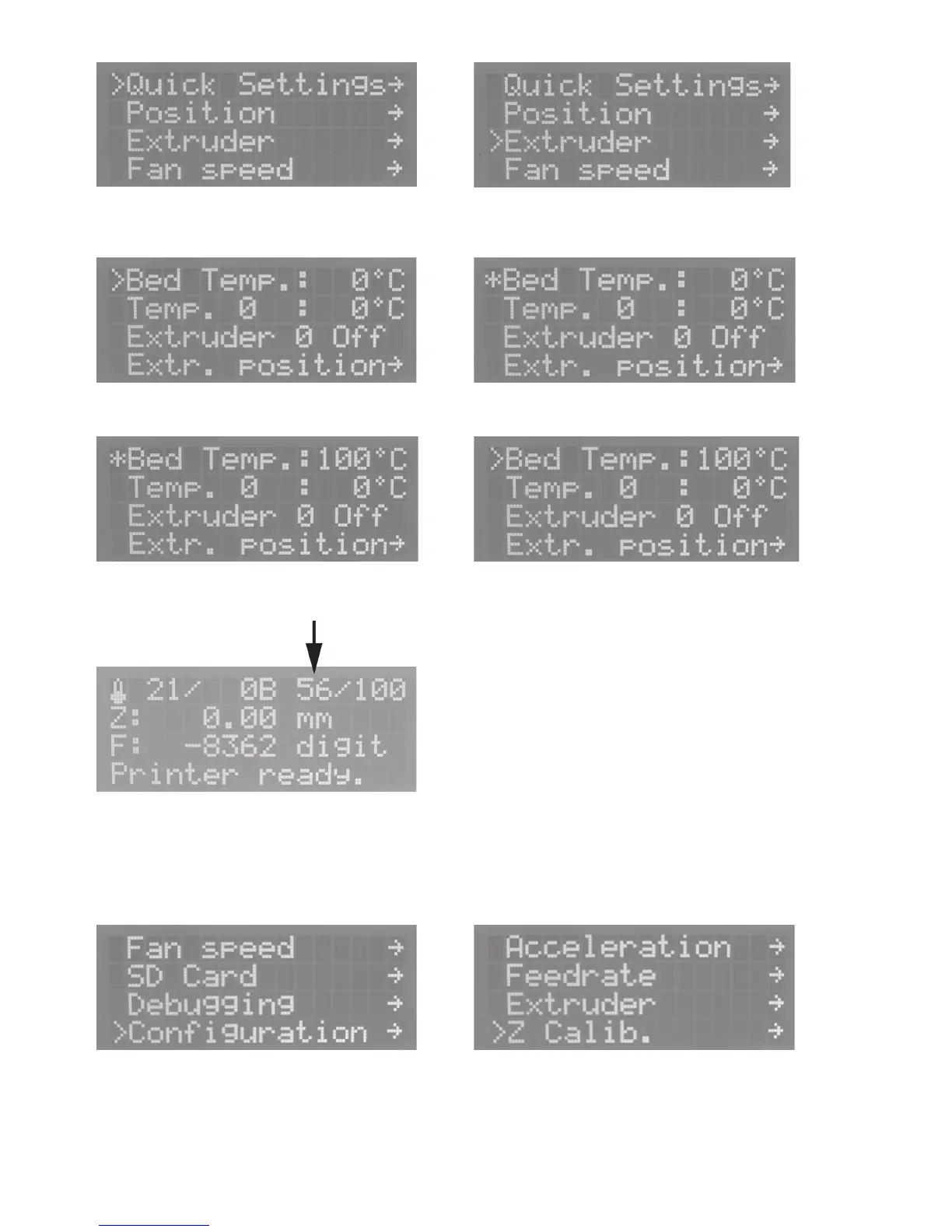
Push OK Select „Extruder“ with the direction buttons.
Push OK and select „Bed Temp“ with the direction buttons. Push OK
Set „100 °C“ with the direction buttons. Push OK
Push the direction button „left“ 2x to return to the main menu.
Wait until the actual temperature of the heating plate in the
display indicates 100 °C and then let heating continue for ap
-
prox. 5 more minutes until the temperature of the heating plate
has stabilised.
Push OK and select „Configuration“ with the direction but
-
tons.
Push OK and select „Z Calib.“ with the direction buttons.



 To Next Page