- 16 -
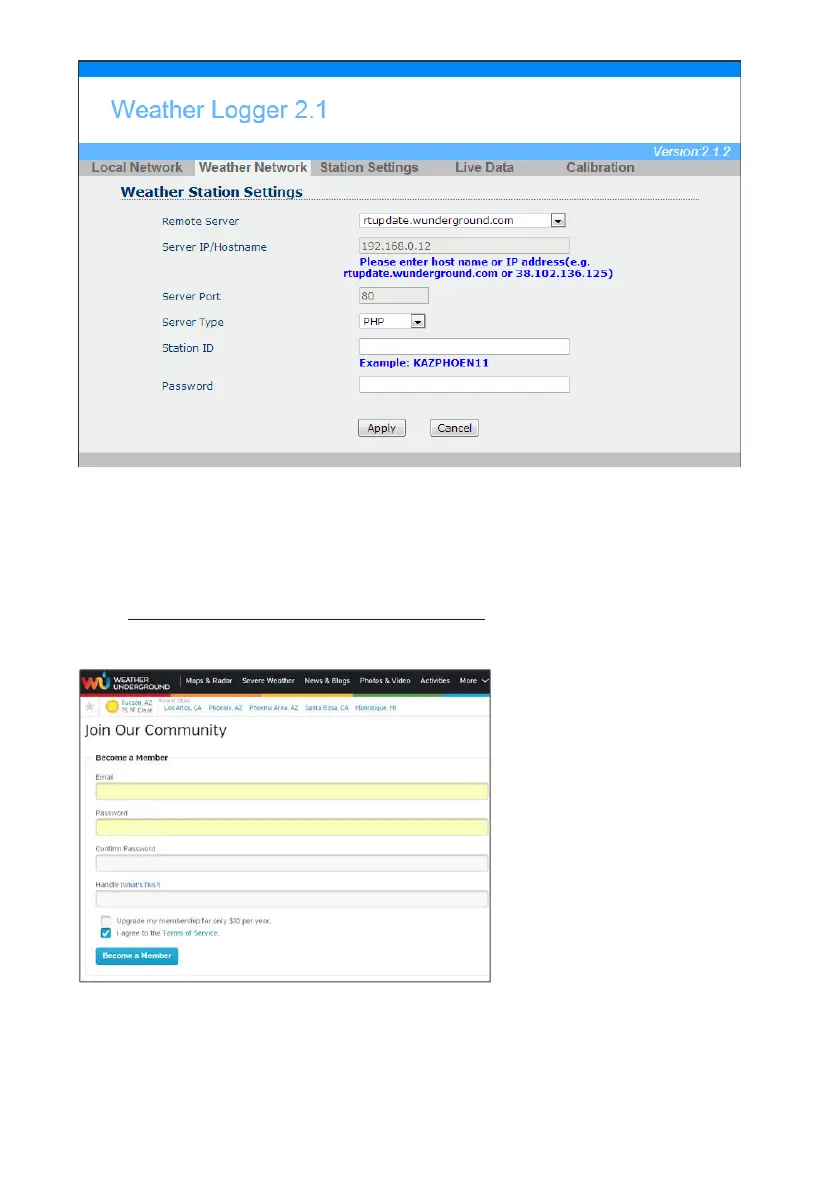
Figure 27
If you select default remote server as rtupdate.wunderground.com, please follow the below
procedure to got the Weather ID and Pass word.
1. Join the Wunderground.com® Community. Visit:
https://www.wunderground.com/members/signup.asp
and sign up with Wunderground.com.
2. Join the Personal Weather Station (PWS) network. Visit:
http://www.wunderground.com/personal-weather-station/signup
or select More | Register Your PWS from the menu at the top of the
WeatherUndeground.com website:



 To Next Page