- 12 -
4.6.4 Finding the ObserverIP from your computer
4.6.4.1 Windows PC Users
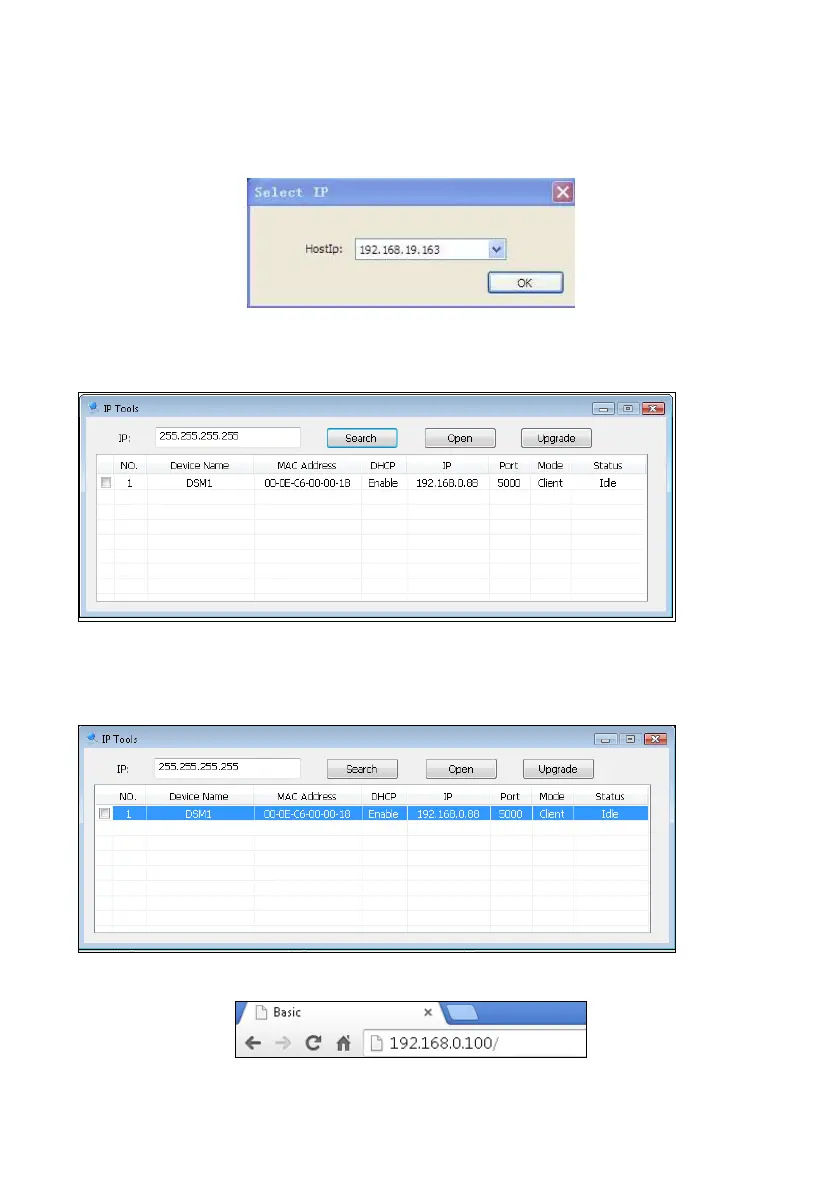
To find the ObserverIP receiver, launch the IP Tools software. The HostIP (your computers IP
address) will be displayed. Press the OK button to continue.
Figure 1
Select the Search button to find the device on your local area network.
Figure 1
Select the device on your network and select the Open button to view within your browser.
Alternately, you can type the IP address in your web browser address bar (example, Figure 17):
Figure 1
Figure 1
5
6
7
8



 To Next Page