- 20 -
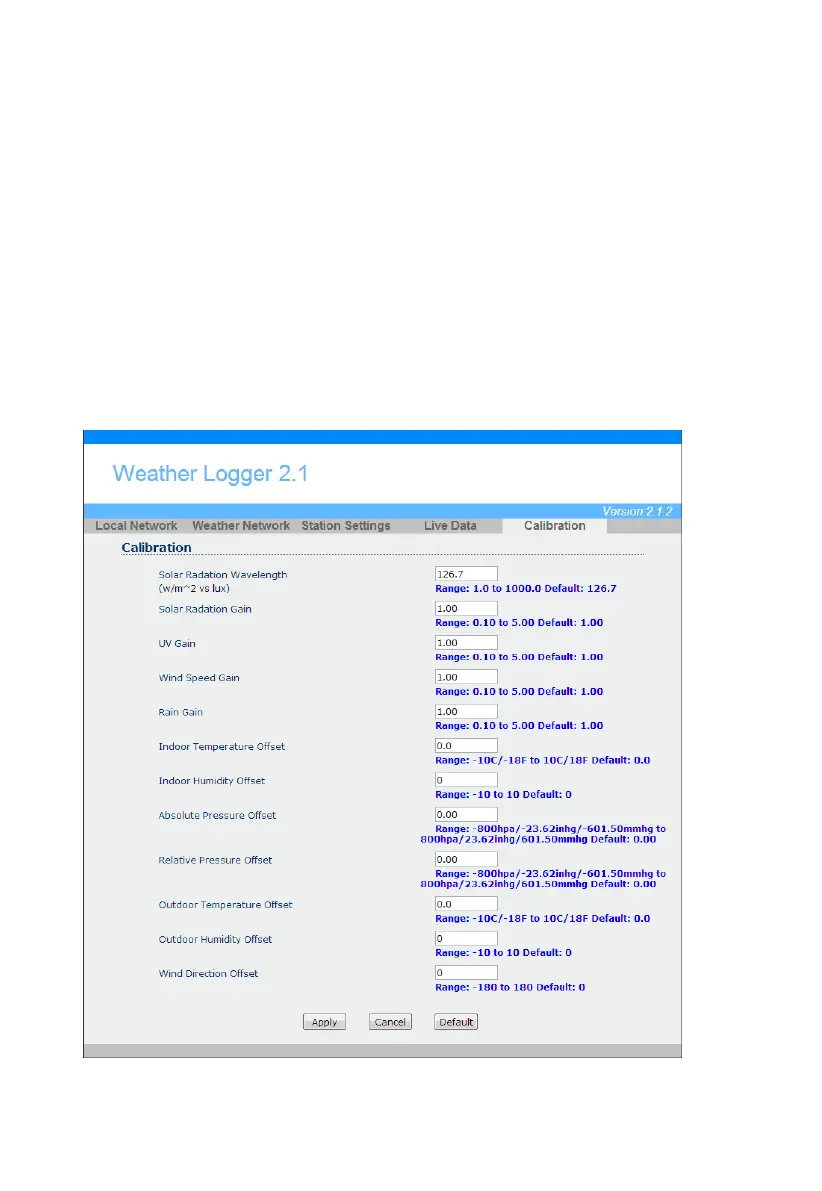
4.6.9 Calibration
Select the Calibration tab to view your calibration data from the weather station. Select the Apply button
to confirm changes.
Calibration of most parameters is not required, with the exception of Relative Pressure, which must be
calibrated to sea-level to account for altitude effects. For more information on sea-level pressure
calibration, please reference note (3) below.
4.6.9.1 Relative Barometric Pressure Calibration Example
The following is an example of calibrating the relative pressure. Your results will vary.
1. The local relative pressure from TV, the newspaper or the internet for the official station in
your area is 30.12 inHg.
2. From the Live Data panel, your absolute pressure (measured, and not corrected to sea-level)
reads 30.47 inHg.
3. Reference
Figure
. Enter the following offset in the Calibration panel for Relative Pressure
Relative Pressure Offset = 30.12 – 30.47 = -
Figure 30
Offset:
30
0.35



 To Next Page