- 2 -
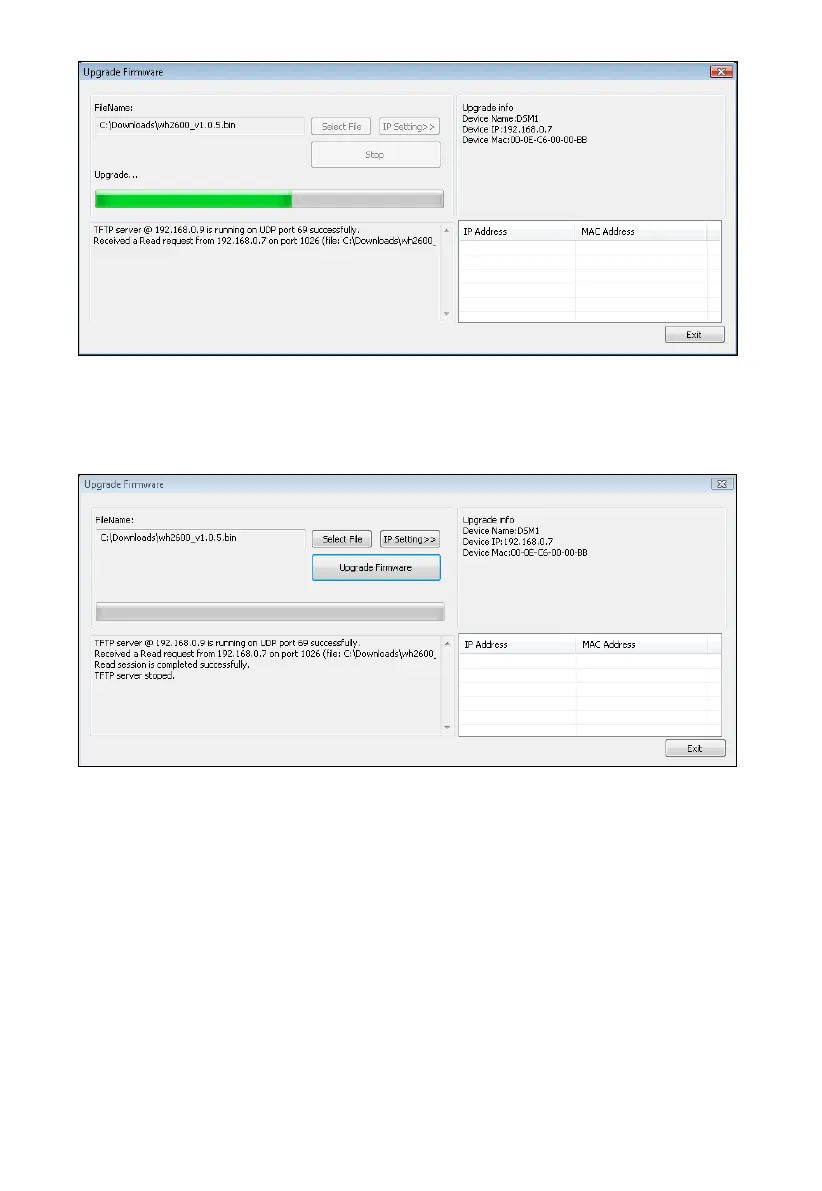
Figure 33
6. Once the firmware upgrade is complete, the dialog box will display Read session is completed
successfully, as shown in Figure 34.
Figure 34
7. Wait about one minute for the device to reboot. You can now Exit the upgrade window, and
access the module again, as referenced in Section
You may be required to enter some settings, so check all of the panels for completeness.
5.2 Updating on Apple products:
1. Obtain the update firmware from your reseller.
2. Important Note: Close all of other applications while running the firmware update. This
will insure the upgrade process will not be interrupted.
3. Launch the IP Tools application as referenced in Section 4.6.4.2, and locate the device on
Figure 35. As shown in this figure, the IP address of the
. Make a note of your IP address (your results will vary).
4
4.6.4.
your network. Reference
device is 192.168.0.99



 To Next Page