- 2 -
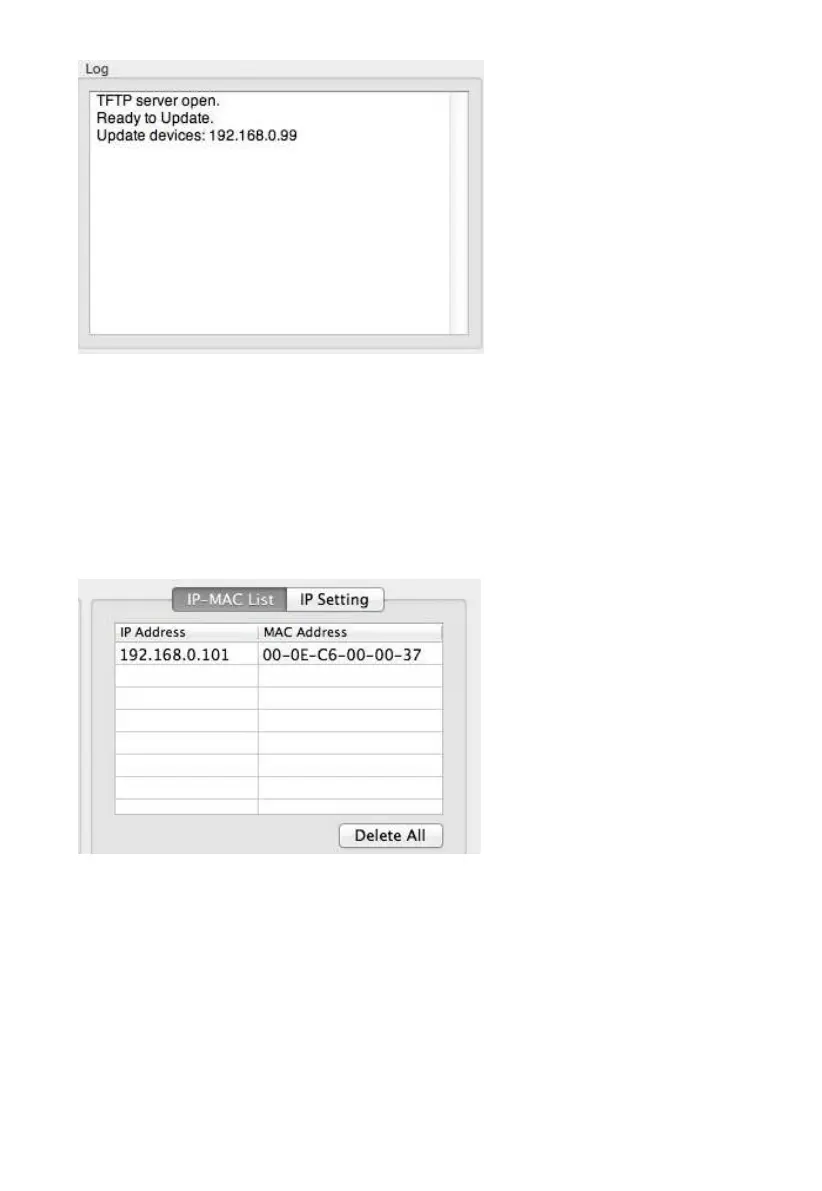
Figure 38
Once the firmware upgrade is complete, the log box will display ‘Update Success’.
6. Wait about one minute for the device to reboot.
7. If some error occurs during the firmware upgrade or Reset operation, the IP of the device won’t
be found in local network. At this moment, please press DHCP button to re-upgrade. A random
IP address would be distributed to the device displayed in the below box.
Figure 39
DO NOT OPERATE THE MOUSE OR KEYBOARD WHEN UPGRADING to prevent interruption of
the upgrade.
6



 To Next Page