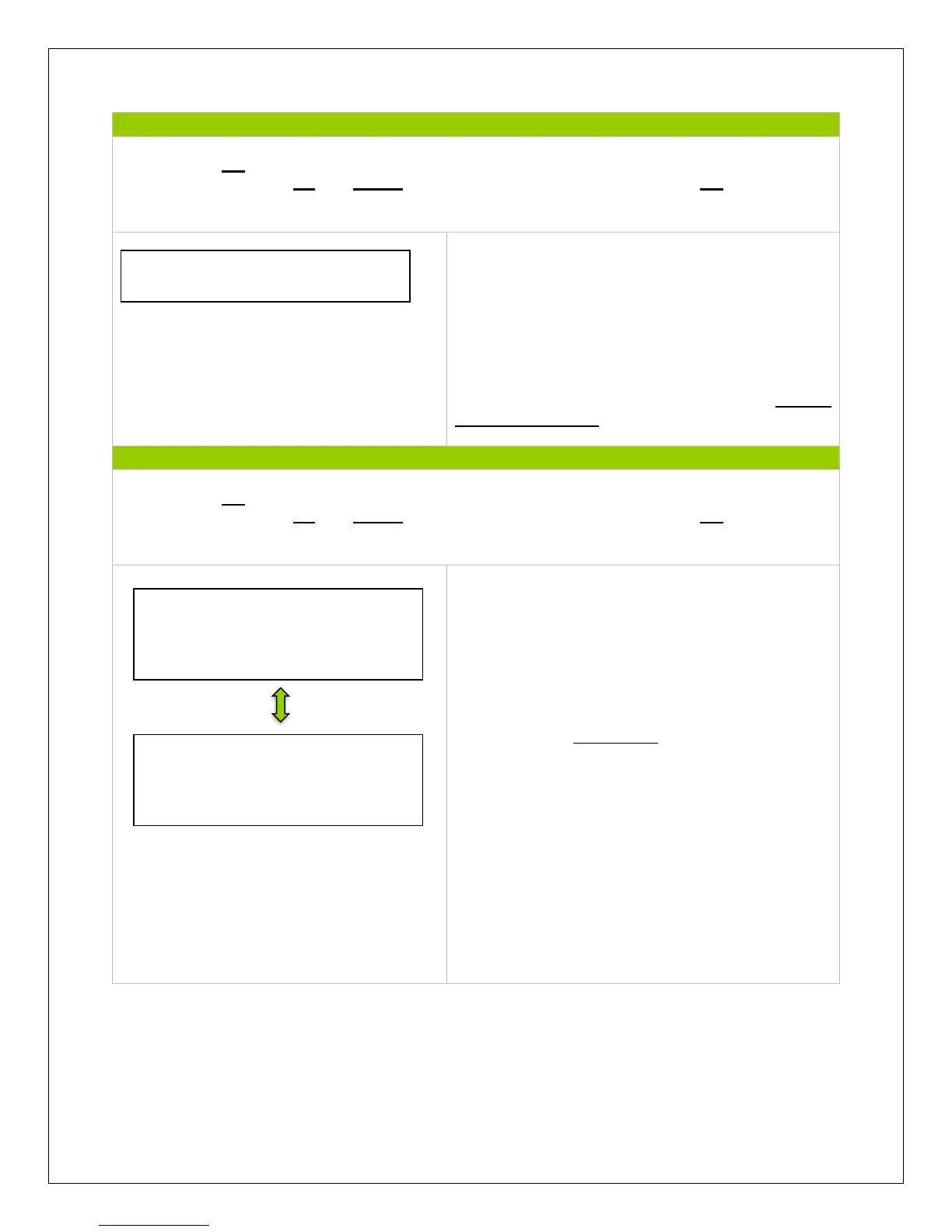
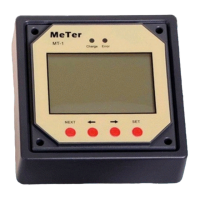
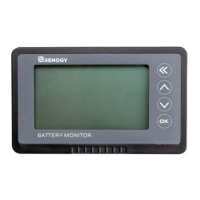
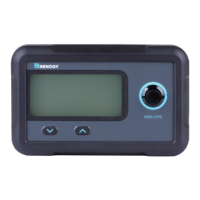
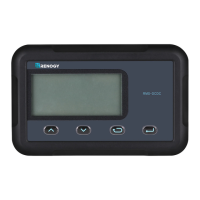
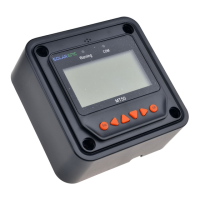
NOTE: Press OK to change from reading mode to parameter setting mode. Once the parameter
is highlighted, use the UP and DOWN arrows to adjust the setting and press OK once again to
save the setting.
Any faults or indicators that the controller
experiences will be readily available to view in the
Tracer’s Failure information.
A maximum of 15 failure messages could be
displayed. When the failure has been corrected, it
will disappear from the failure information log. For
a list of common failures, check the Failure
Information Table
NOTE: Press OK to change from reading mode to parameter setting mode. Once the parameter
is highlighted, use the UP and DOWN arrows to adjust the setting and press OK once again to
save the setting.
First screen displays information regarding the
controller and the tracer type.
The Switch-Pages feature allows the menu
screens, under Monitoring, to cycle through the
displays at every second desired by the user.
NOTE: There is a 10 minute delay when modifying
the switch pages feature.
The backlight controls the time it is on, following
the last button being pressed.
The alarm sound can be turned on or off to
indicate error.
NOTE: This alarm feature will be discontinued in
future models.
Meter Parameters
SW-Pages: 000S
Backlight: 000S
AudAlarm ON
Meter Parameters
Type: MT-50
Version: version #
SN: SN #


 To Next Page