If using the SOC for battery management, then
these parameters let the Charge Controller/Tracer
know the SOC of the battery based on these
boundary limits.
NOTE: This function will be discontinued in future
models.
Set a time for how long equalization and boost
charges occur.
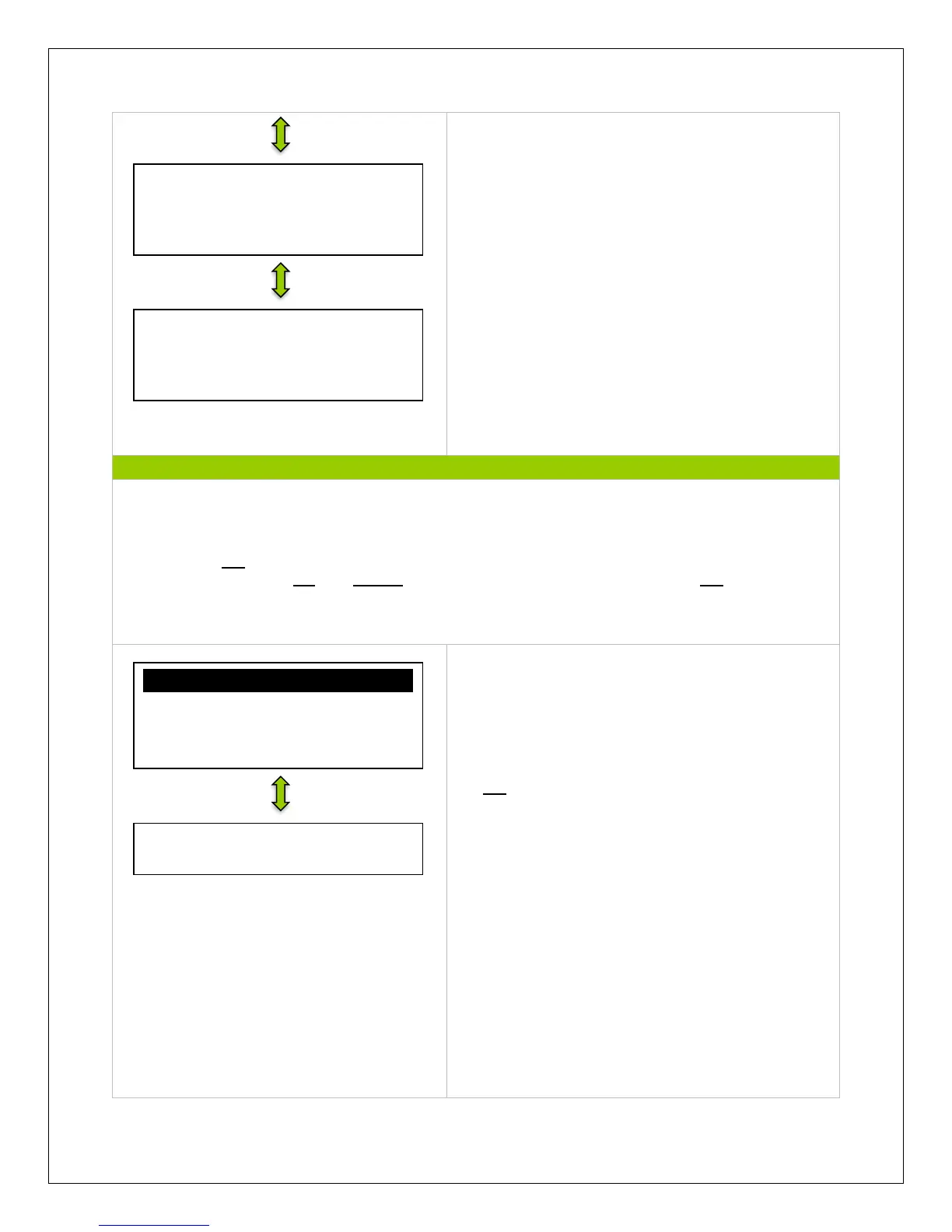
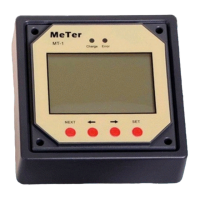
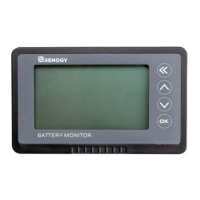
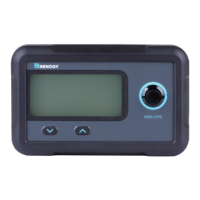
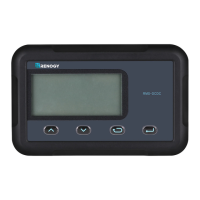
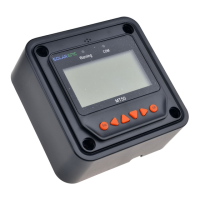
NOTE: Use the up and down arrows to maneuver through the monitoring menus. The left and
right arrows indicate submenus and display further information regarding the system
NOTE: Press OK to change from reading mode to parameter setting mode. Once the parameter
is highlighted, use the UP and DOWN arrows to adjust the setting and press OK once again to
save the setting.
Manual control gives the user complete control
over the load terminals. The user can set it to be
manual by default or not.
NOTE: If ON, load will remain on assuming battery
capacity is enough and no abnormal conditions
occur. Load can be turned off and on by pressing
the OK button on the meter
Equalize Time
120min
Boost Time
120min
Battery Charge SOC
100%
Battery Discharge SOC
30%
Manual Control
Default: ON
√ Manual Control
0Light on/Off
0Light on+Timer
0Timer Control


 To Next Page