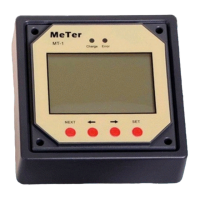
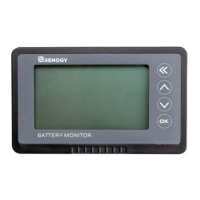
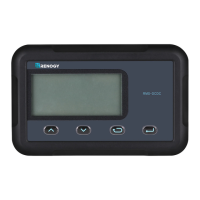
NOTE: Use the up and down arrows to maneuver through the monitoring menus. The left and
right arrows indicate submenus and display further information regarding the system
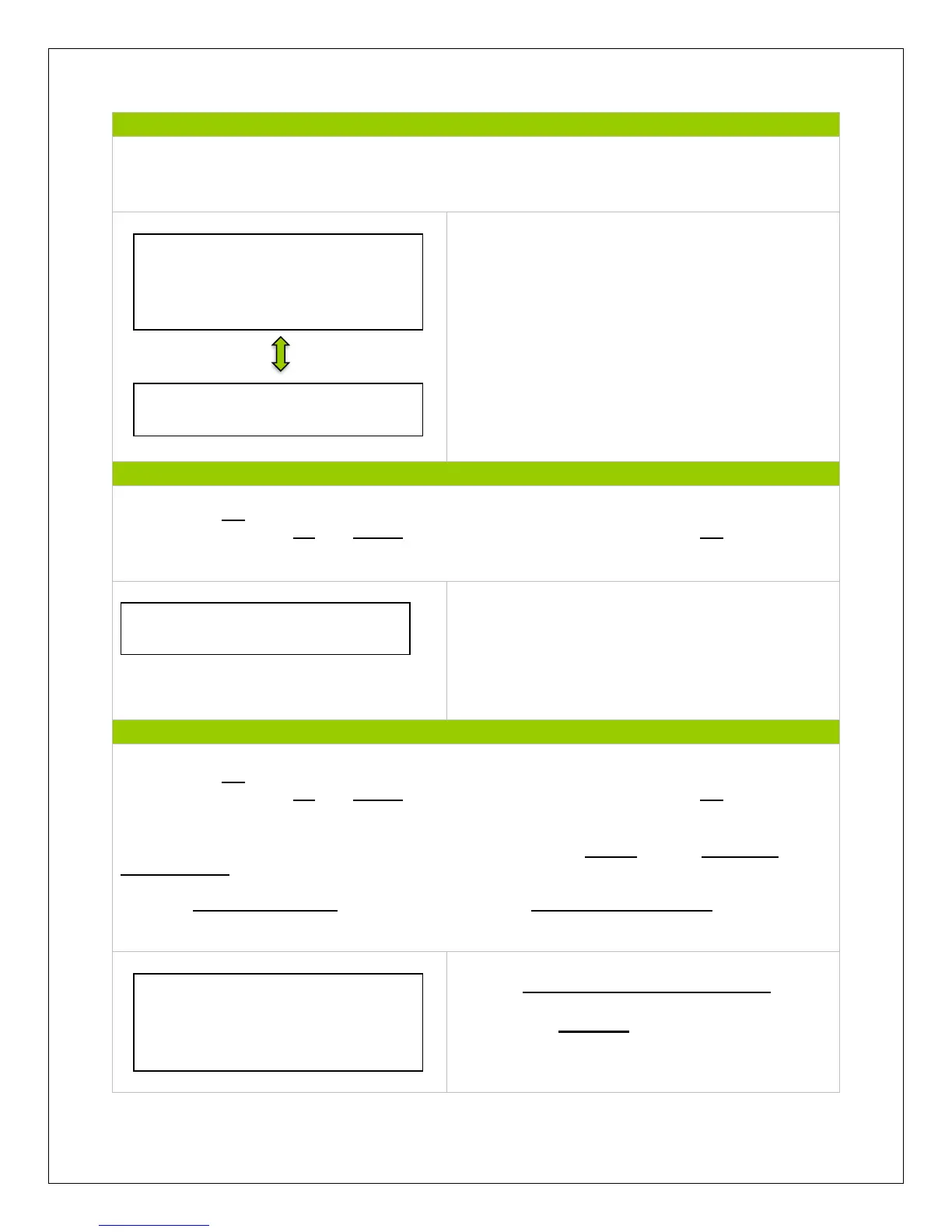
Displays device info for the charge controller and
the next menu displays the charge controller name
and screen number.
NOTE: Press OK to change from reading mode to parameter setting mode. Once the parameter
is highlighted, use the UP and DOWN arrows to adjust the setting and press OK once again to
save the setting.
The test operation is used for the load terminal and
determines whether the output is normal. It does
not affect the working-load settings (if there are
any preset) and upon turning the test operation
on/off, the screen will save and exit.
NOTE: Press OK to change from reading mode to parameter setting mode. Once the parameter
is highlighted, use the UP and DOWN arrows to adjust the setting and press OK once again to
save the setting.
NOTE: To customize charge parameters, BATT must be set to USER, under 4. CONTROL
PARAMETERS
NOTE: A Control Parameters table can be found under Technical Specifications for parameter
boundary limits.
Choose Gel, Sealed, Flooded or User battery
and modify the Amp-hours(Ah) if necessary.
Choose from 1-999 Ah.
VS2024BN
SN: 16 digit code
VS2024BN
Rate.Vol: 24V
Char.Cur: 20A
Disc.Cur: 20A
Test Operation
VS2024BN: ON
Battery Type
Sealed
Battery AH
200AH


 To Next Page