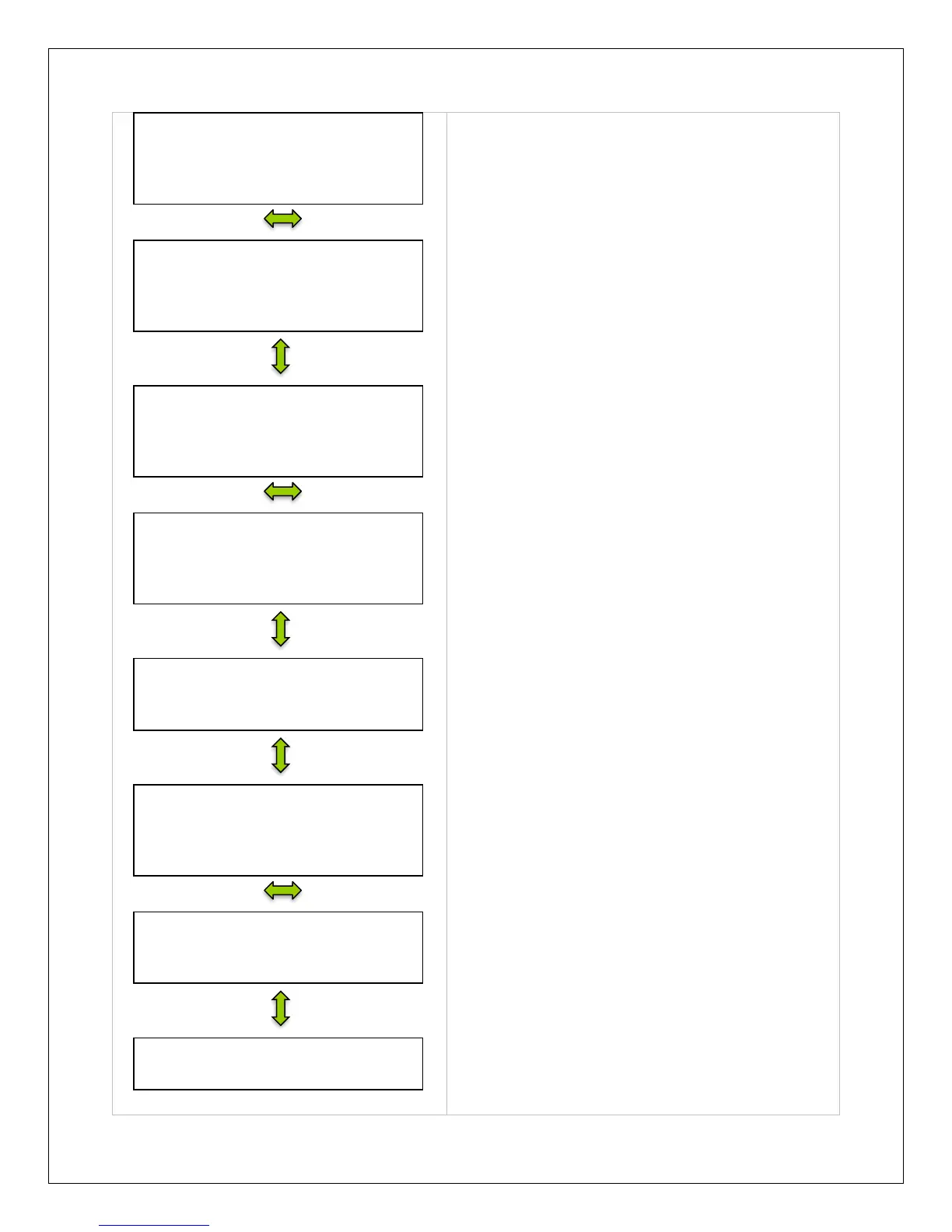
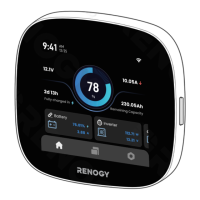
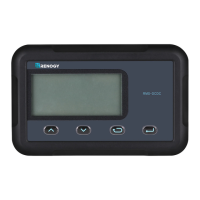
Demonstrates Battery Temperature, the Max.
Voltage detected and the Minimum Voltage
Detected by the Battery.
This screen gives the user a visual of battery
status beyond voltage, temperature, and
amperage. The user can see if they battery is
charging, the energy flow, and if there are any
faults In the system.
Looks at PV voltage, current, and power
generated.
Demonstrates PV status in terms of it PV state,
whether there is a fault detected, and the mode of
charge.
The charge controller’s temperature and status is
displayed.
Displays the current Load Voltage, Current, and
Power generated in kilowatt hours.
Indicates whether the load is on or off and whether
it is experiencing any error.
Determines whether the user wants to manually
control the paramaters of the Load.
NOTE: If timers are on, then it will display that
screen as opposed to this screen.


 To Next Page