Prusa i3 – Build Manual
11.1 First Power-on
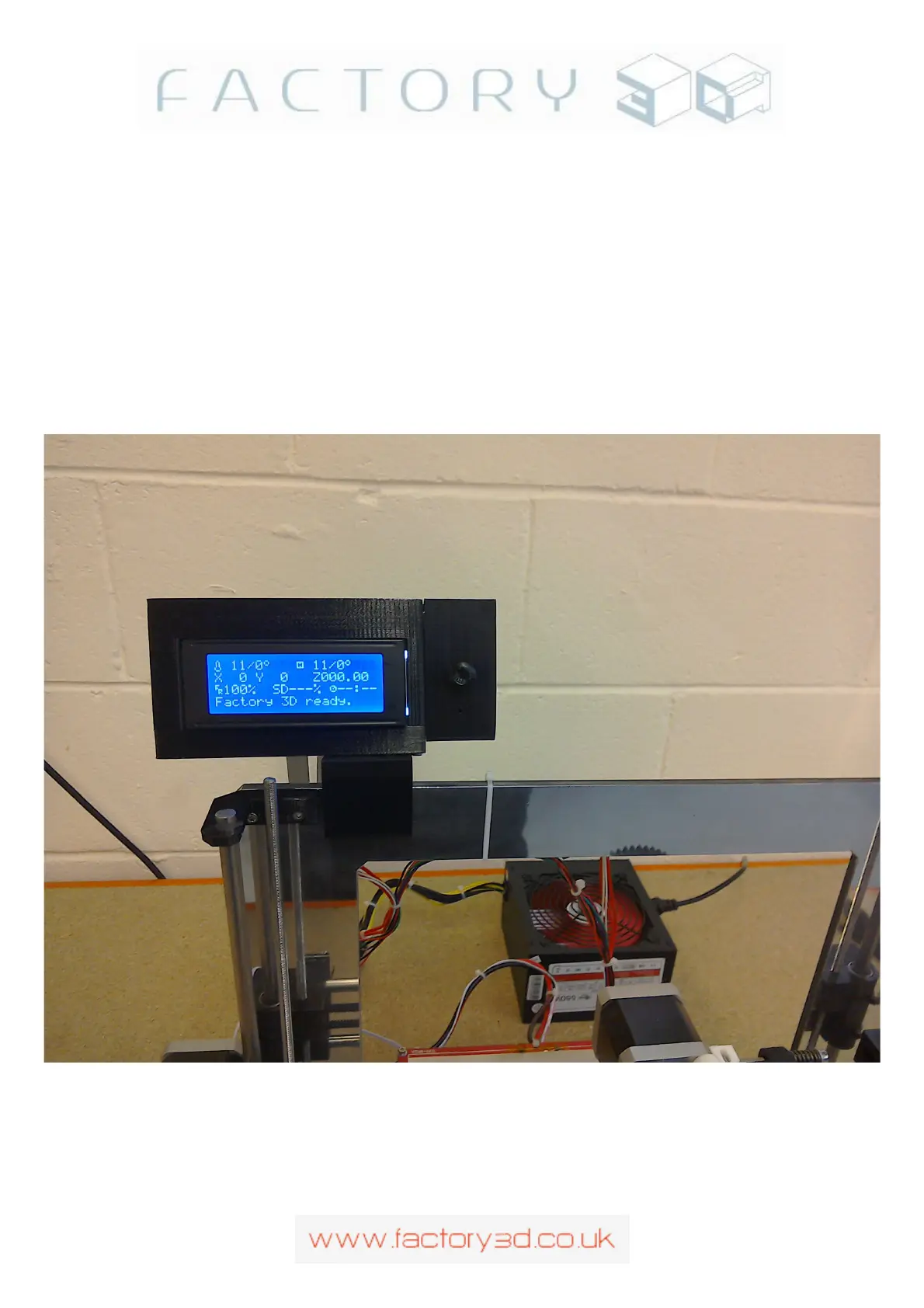
With everything connected up and the end-stops checked, power-on the printer from the power supply. The
LCD should light up after after 1-2 seconds and say Factory 3D Ready, with the temperatures of the hot-end
and heated bed displayed (room temp). See Fig 11.1a. If the LCD doesn't light up but your RAMPS fan is
running, power-off and check your cabling to the LCD. If the LCD says error:MINTEMP, power-off and
check your two thermistor cables from the hot-end and from the heated-bed.
Never adjust a cable (or anything on the RAMPS) with the power-on, the only exception being adjusting the
pots on the stepper motor drivers). See Troubleshooting Appendix Z also.
If your LCD is displaying ready .. then you can move to the Motor Tuning stage.
Fig 11.1a:
Version: 1.3 Page: 48



 To Next Page