18
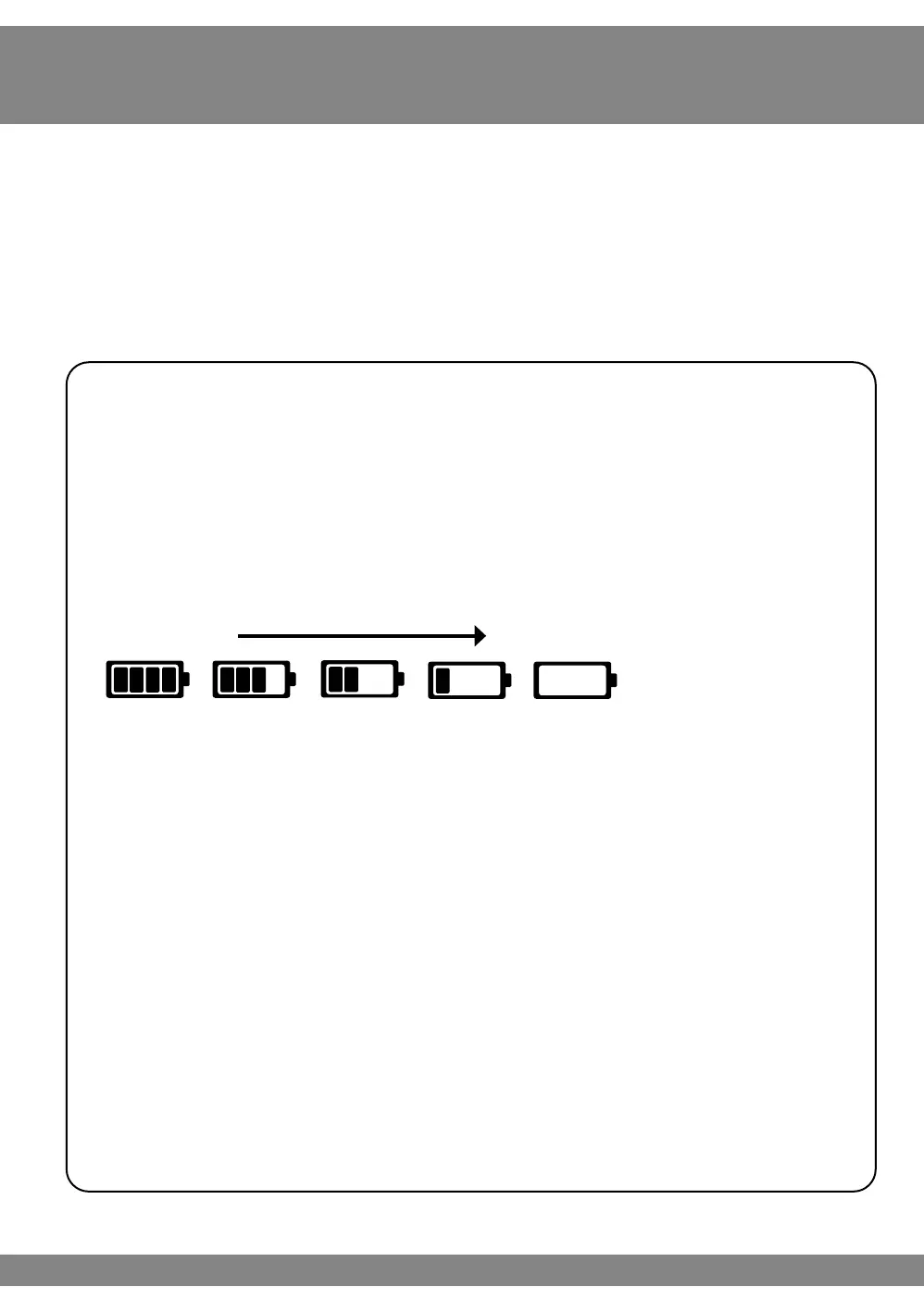
Full Battery
Low Battery
Step 3:
Powering Revitive
Revitive can be powered from either the rechargeable battery or by connecting it to an
electrical socket.
Battery power option
If you want to use the device without connecting it to an electrical
socket, it can run from the battery.
When the device is running from the battery, an indicator will show the
remaining battery level.
Follow Step 4 Using The Foot-pads or Step 5 Using the Electrode Body
Pads to continue setting up Revitive.
When the battery drops to the low level, it will require recharging.
See Step 6, Recharging Battery on page 37.
If you turn the device o and the low battery level indictor blinks for
10 seconds, the battery requires recharging.
Please note that if the battery runs out, the device can still be used,
by connecting to an electrical socket.
Do not replace or remove the Lithium-ion battery from the device.
Instructions for use



 To Next Page