14
Parking Mode (Parking Monitor)
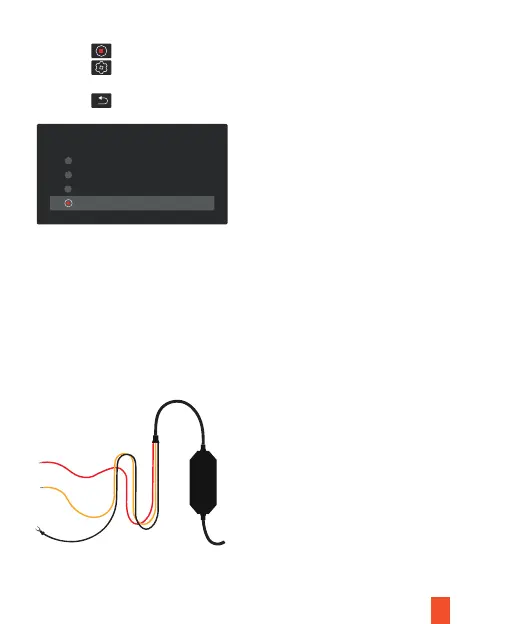
Parking mode provides surveillance on your parked vehicle. When the engine is off,
hardwire kit is used to provide continuous power and protect your car battery from
discharge.
1. Tap the icon to stop recording
2. Tap the icon to access settings
3. Toggle to Time Lapse Recording and select a time length
4. Tap the icon to exit
Time lapse Recording
2 Hours
8 Hours
24 Hours
12 Hours
Note
To use the Parking Mode feature, you need to connect it with an Intelligent
Hardwire Kit (ASIN B0973MBCT8, sold separately).



 To Next Page