8
1. Strap the dash cam to the rearview mirror of your vehicle with the rubber mounting
strap. Adjust the angle of the cameras to ensure that it captures your desired view.
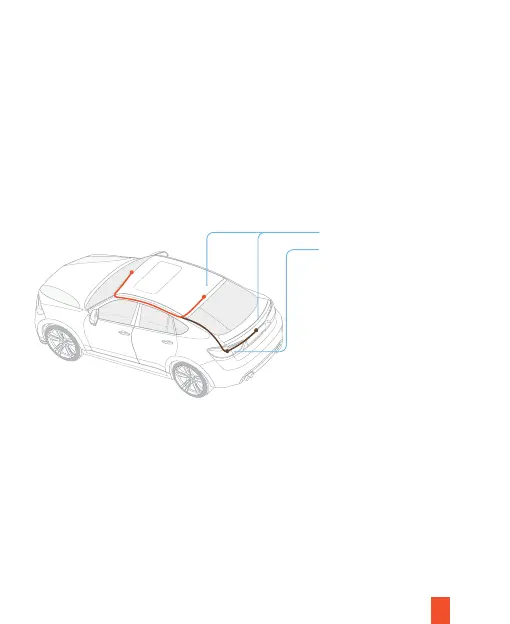
2. Mount the rear camera as shown below and then connect the rear camera to the
main unit. Carefully route the power cable around the door and tuck in under the
trim.
3. The device will be automatically be powered on when plugged into a 12V accessory
socket or cigarette lighter and received a charge (i.e.: the vehicle is started). To turn
the device on manually, press and hold the Power button for 3 seconds until the
welcome screen appears. The dash cam will automatically start recording when
powered on.
Installation
Rear camera wiring options
Connected to the reversing light
A
B
Dash Cam Installation



 To Next Page