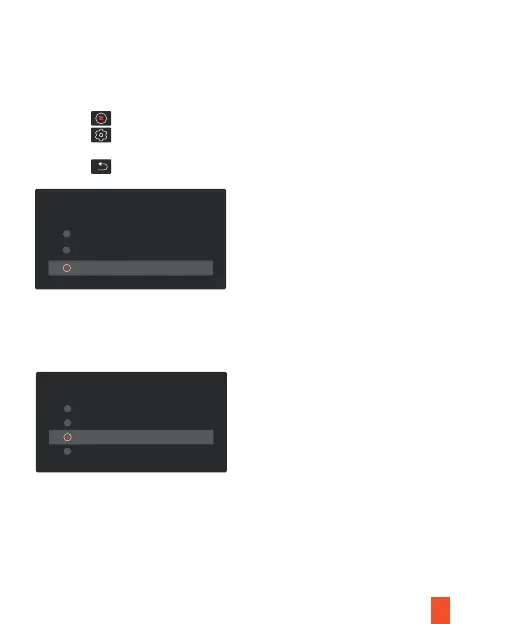
Backup Camera Lines
Use this option to adjust the parking assist lines, you need to connect the red wire of
the rear camera to the power supply of the reverse lights.
Screen Saver
Select a time duration for the screen to stay on after recording starts.
1. Tap the icon to stop recording
2. Tap the icon to access settings
3. Toggle to Backup Camera Lines and make a selection.
4. Tap the icon to exit
Backup Camera Lines
High
Low
Medium
Screen Saver
1Min
15s
30s
Off
16



 To Next Page