18
Date and Time
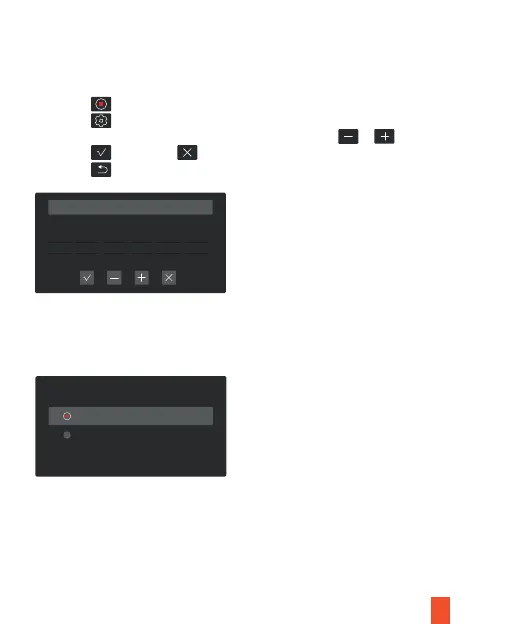
Use the following procedure to change the device’s time and date.
Time Format
Use the following procedure to switch the time format between 12 hours and 24 hours.
Date Format
Use the following procedure to switch the date format between
YYYY/MM/DD, DD/MM/YYYY, MM/DD/YYYY.
1. Tap the icon to stop recording
2. Tap the icon to access settings
3. Adjust Year, Month, Day, Hour, Minute, Second by using or
4. Tap the to save and to exit
5. Tap the icon to exit
Date and Time Setting
Second
2021 2 3 15 18 20
Year Month Day Hour Minute
Time Format
12H
24H



 To Next Page