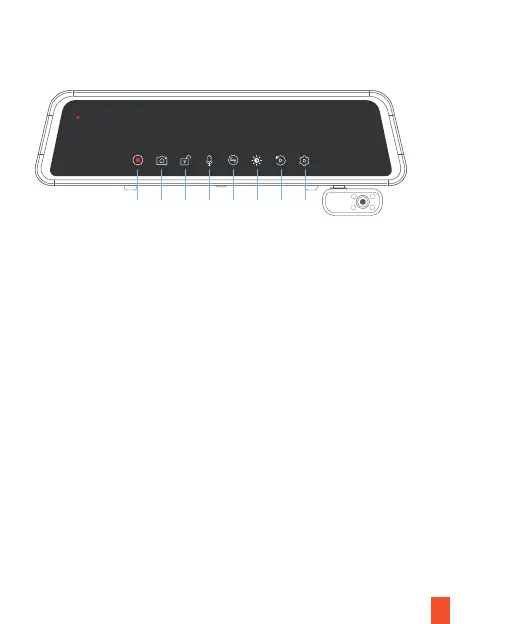
Screen Icons
5
1.
2.
3.
4.
5.
6.
7.
8.
Video Recording
Take a Photo
Lock/Unlock a Video
Audio Recording
Screen View Switch Button
Screen Brightness Adjustment
Playback
Settings
08:39
02/09
THU
AM
00:29
1 2
3
4 5 6 7
8
Note
• If the screen is off, tap the screen to turn it back on.
• If the icons on the screen are hidden, tap the screen to display the icons.
• Scroll left or right on the screen to switch the view among Front, Rear, Cabin, and All.
• Scroll up or down to adjust the visual range of each camera.



 To Next Page