pcProx
®
and AIR ID® Enroll Readers
Software Installation
If there is a problem with the installation, allow the setup
program to uninstall. Should you need to reinstall or
remove the software, always use the Control Panel’s
Add/Remove Programs icon so the system is successfully
removed, and reboot.
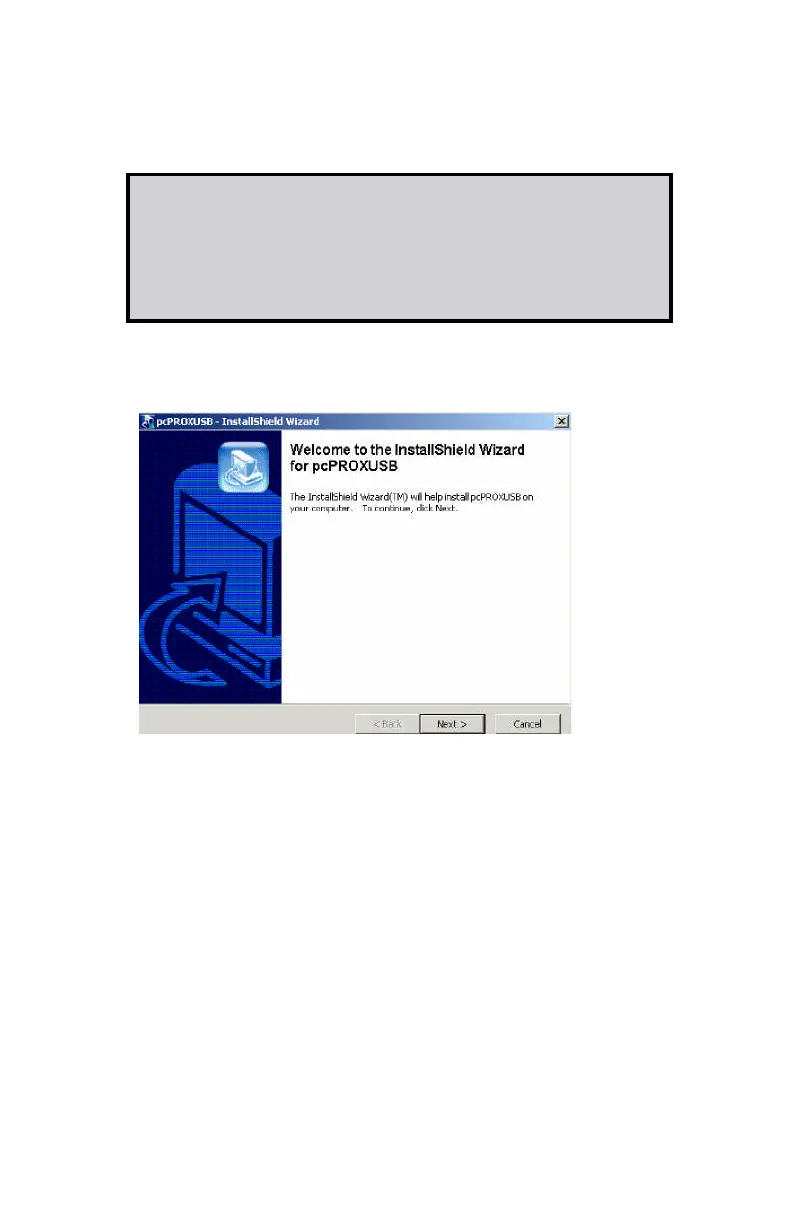
Perform the usual entries associated with installing
software.
Software Configuration
In this section you will:
Configure any pcProx settings.



 To Next Page