© 1998-2006 RF IDeas, Inc.
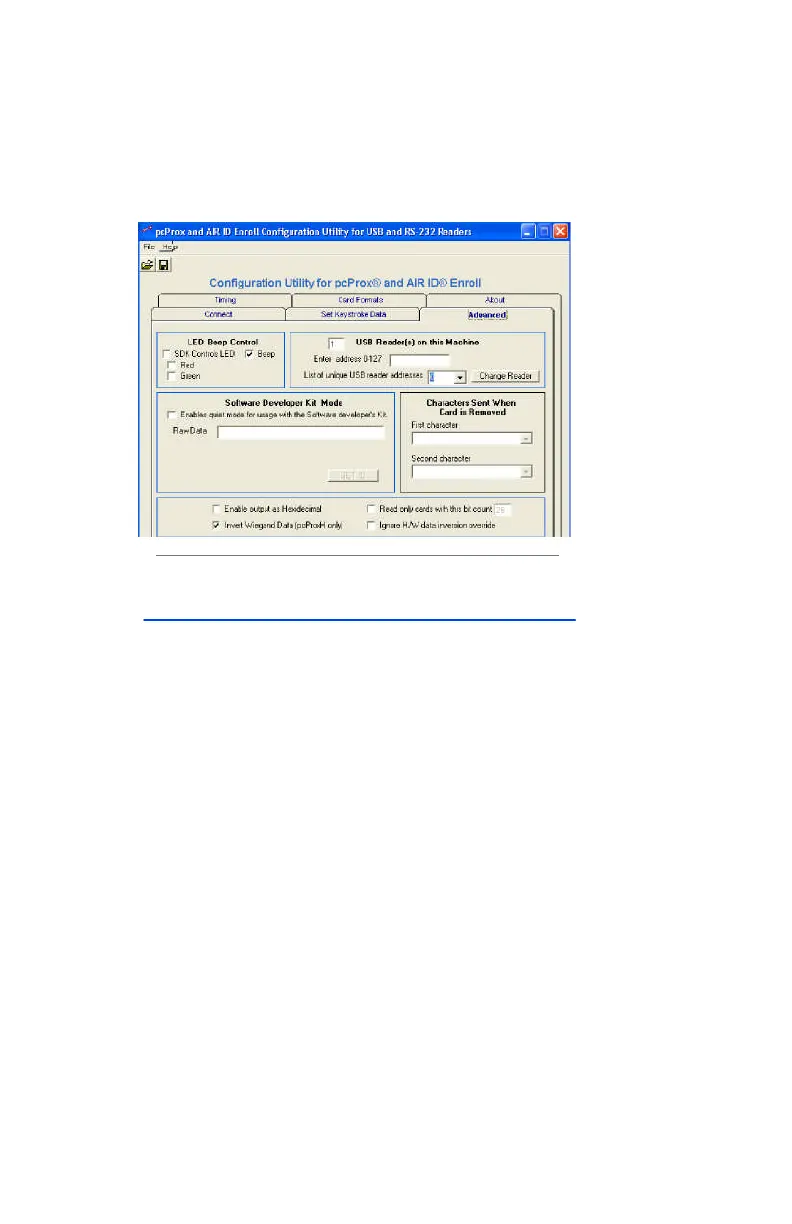
Advanced Tab
LED Control
SDK Controls LED
Using the SDK the software developer has the ability to
control the red/green/amber colors of the LED on the top
of the reader.
Normally, the reader goes from red to green when a
proximity card is read (i.e. a proximity card being read by a
pcProx or AIR ID Enroll reader). This can be restricted by
the bit count. For example, if the user configures the
reader to ‘read only 26 bit cards’ the LED will go green
when any HID 26 bit card is placed on the reader. A HID
34 bit card, will not turn green.
Selecting this feature will cause the LED colors to come
under the control of the SDK, not the independent card
reading function.



 To Next Page